Missing a limited-time event does not have to leave a permanent gap in your Pokédex. In Pokémon Pokopia for Nintendo Switch 2, the Mysterious Goggles, Camera, and Printer provide an in-game route to rebuild old event habitats without changing your console clock.
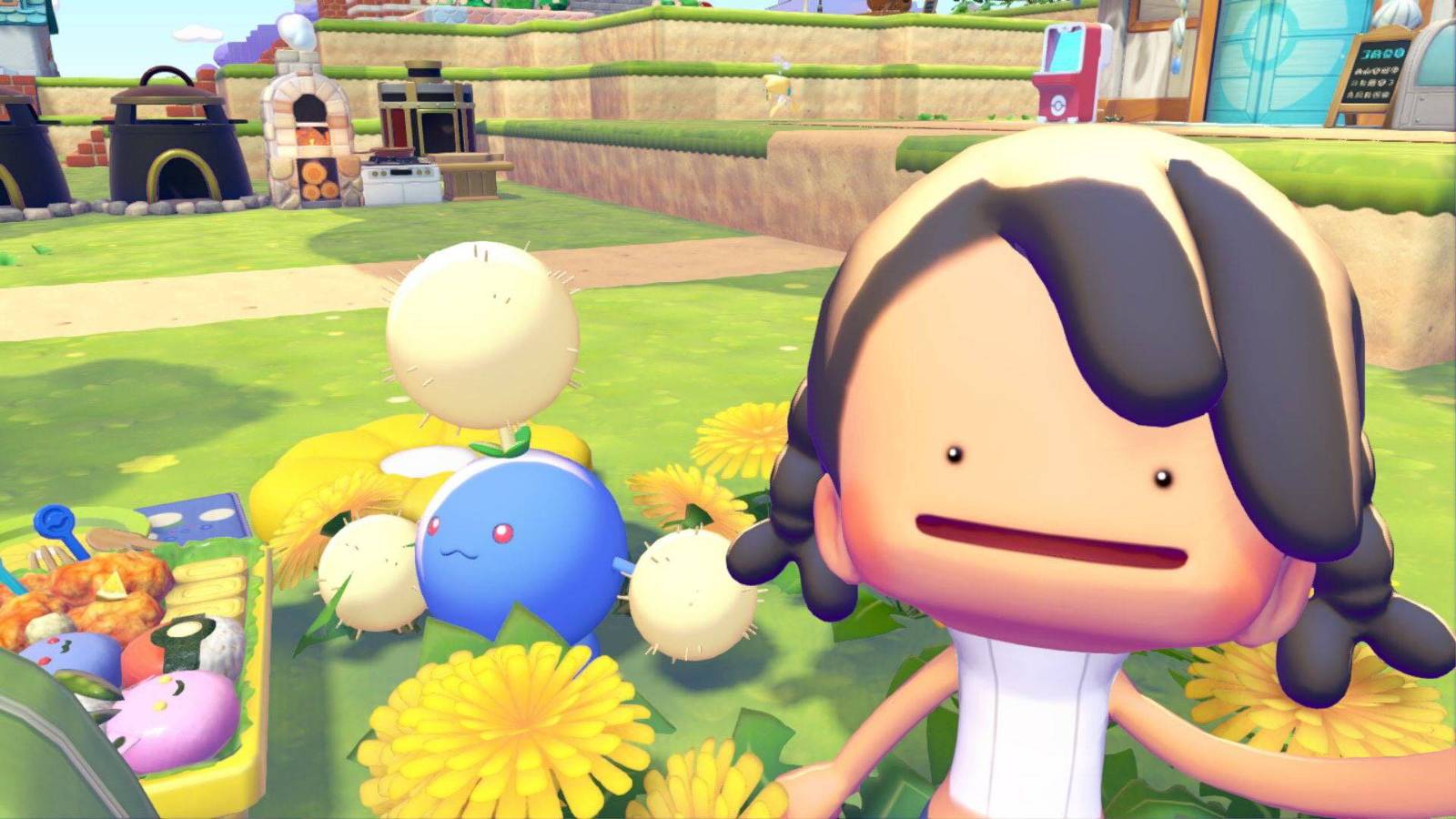
This method is useful for event Pokémon such as Hoppip, Skiploom, Jumpluff, Sableye, Jirachi, Feebas, and Milotic. You do not take the Pokémon from another island; instead, you copy the habitat objects that make them appear in your own world.
What you need
- An active Nintendo Switch Online membership, because the visit uses online features.
- The Mysterious Goggles, available through the shop on a Pokémon Center computer.
- Access to the Camera and a Pokémon Center Printer.
- Enough Pokémetal and, for certain objects, Rare Pokémetal.
If the Mysterious Goggles are not yet listed in the PC shop, continue the main progression and raise your Environment Levels until the item becomes available.
Visit the developers' Dream Island
- Go to any Pokémon Center, open its computer shop, and purchase the Mysterious Goggles.
- Use the goggles and enter the island code
6DXL PD6F. - Confirm the online trip. The destination is an official showcase Dream Island containing every Pokémon and item in the game, including decorations used by earlier events.
You cannot pick up objects or bring Pokémon home from this island. Its value is that the Camera can record the objects so the Printer can recreate them later.
Photograph and print the habitat objects
- Find the area for the event Pokémon you need and inspect every object in its habitat.
- Press the minus button to equip the Camera, then press Y to switch to the mode that identifies individual objects.
- Photograph each required habitat piece. The Camera can hold up to 20 different object photos at a time, so prioritize a complete habitat before collecting optional decorations.
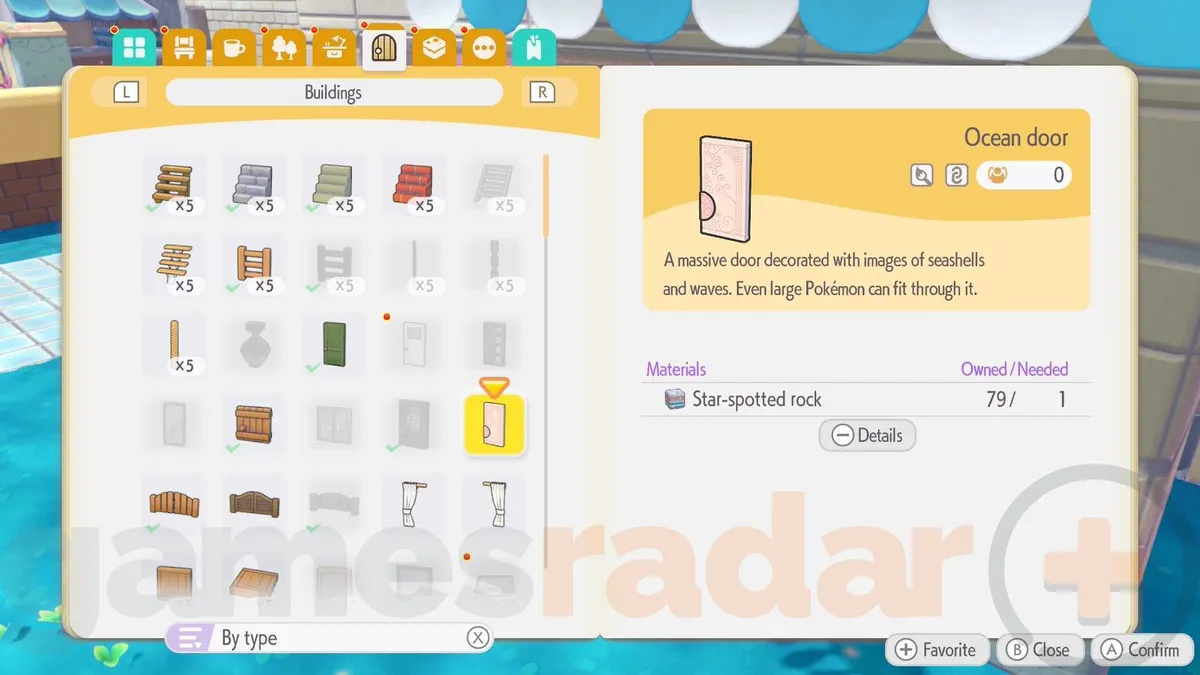
- Return to a Pokémon Center in your world and use the Printer. The photographed objects will be available to reproduce in exchange for Pokémetal and, when required, Rare Pokémetal.
Build the habitat and wait for the Pokémon
Place the printed objects together in a suitable open area, keeping the same habitat requirements you observed on the Dream Island. For example, old Hoppip-event pieces can be copied and arranged in Palette Town to attract Skiploom and Jumpluff. When the full requirement is met, the missing Pokémon may move in almost immediately, although leaving the area and returning can help refresh spawns.
Repeat the process for each missed event. If one Pokémon does not arrive, compare the habitat again: a missing object, the wrong quantity, or too little free space is usually the cause. This technique recovers the Pokémon through Pokopia's normal habitat system and avoids console time travel entirely.