Decoration ideas
Pokopia storage ideas: workbench boxes and Portal Pods
Pokopia storage ideas for your workshop: adjacent boxes, X-button sorting, bulk transfers and shared Portal Pods, with the current update rules.
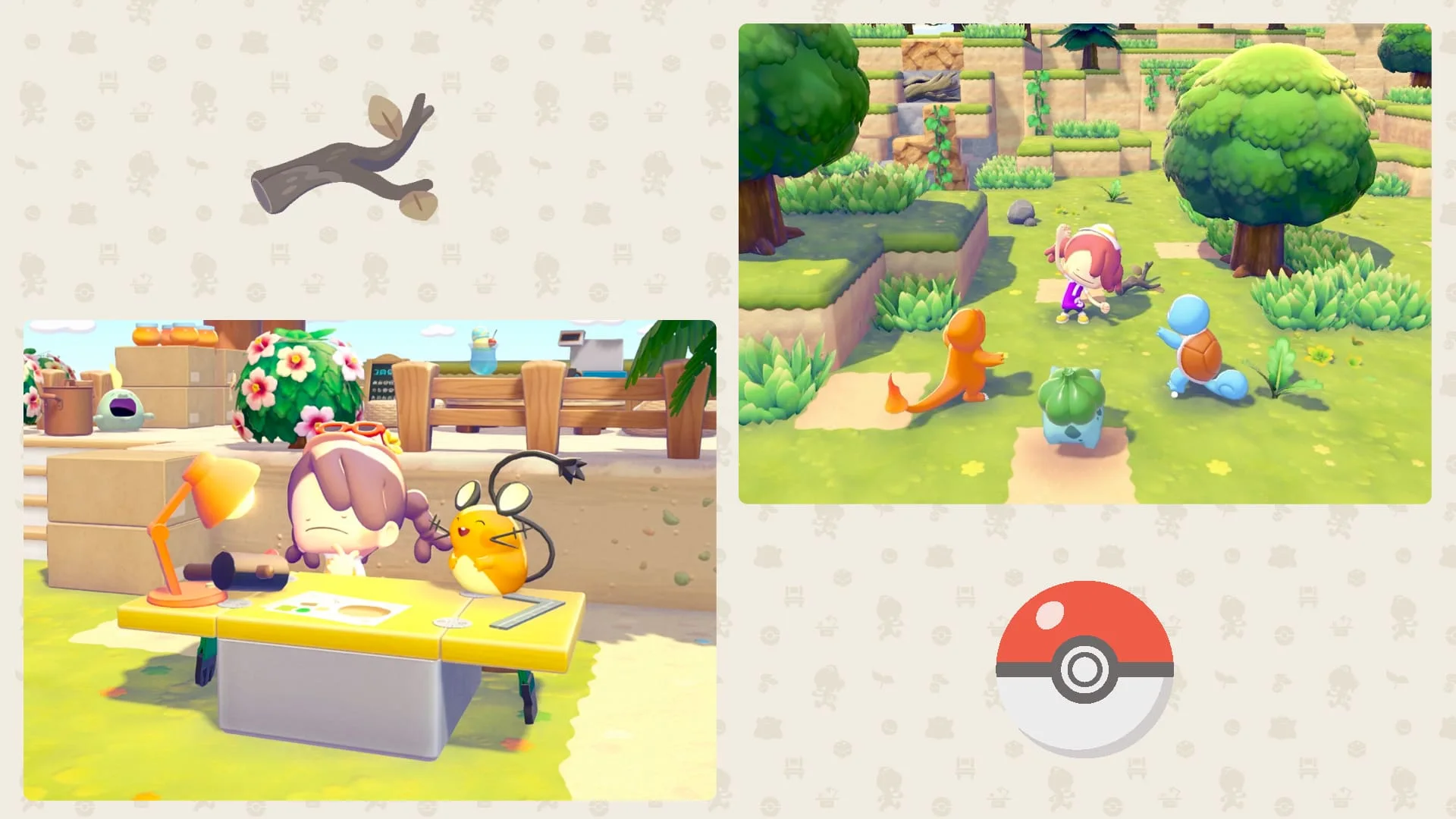
For easier storage in Pokopia, put the materials you craft with beside your workbench, group similar items together, and hold X to sort your bag or a box. If you want to retrieve the same items in different places, Portal Pods provide shared storage. Those solve different problems, so choose around how you actually build.
When a local box is enough
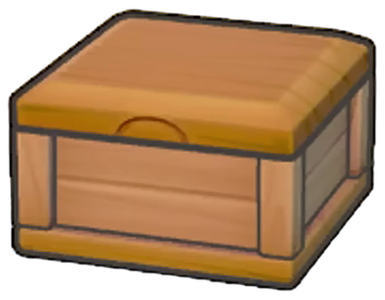
A box beside a workbench lets you craft with its contents. You can leave your building materials there rather than carrying them around every time you want to make furniture. Since version 2.0.0, crafting uses matching materials in the adjacent box before those in your bag.
That detail matters when a recipe appears to leave your inventory unchanged: check the box before assuming crafting cost nothing. It also means that filling your bag with the same materials is unnecessary for work at that bench.
Keep the connection simple. Put the relevant container directly beside the bench and check that the recipe screen recognizes what you stored. Being somewhere inside the same room does not establish which supplies the bench can use. Avoid planning a warehouse around an unverified connection radius.
Organize by activity before adding more containers
Official tips recommend separating similar items. Fan storage guides expand that approach with visible labels: put a representative object in a frame so you can recognize a container before opening it. A building material can identify crafting supplies; a food item can identify ingredients.
The useful distinction is what you will do next. Cooking ingredients and building materials serve different stations, while furniture and plants may belong to a decorating session. Group those supplies in ways you can recognize without inspecting every inventory.
Sort after transferring items. Holding X works inside both your bag and storage boxes, but sorting a mixed container does not replace your choice of categories. When stacking containers or placing them along a wall, check that you can still open each one before repeating the arrangement.
What changed with bulk transfers
Version 2.0.0 added bulk movement between the bag and a storage box. That reduces the work involved in depositing a gathering trip or collecting supplies for a project. It does not choose the destination category for you.
Open the container for the activity you are preparing, make the transfer, then sort its contents. If the materials still cannot be used for a recipe, check the workbench connection separately. Transferring, sorting and crafting from storage are related conveniences, with different controls and conditions.
When Portal Pods are the better fit
Portal Pods let you deposit items in one pod and retrieve them from another. Shared storage arrived through the free update; owning the Expansion Pass is not required for the feature. The recipe becomes available through progress in Palette Town's environment level.
Fan guides also describe obtaining more pods by photographing one and making a copy with the 3D Printer. They report a cost of five Rare Pokémetal for that copy. For the acquisition routes, use our Portal Pod guide.
| Your difficulty | Feature to check |
|---|---|
| Materials are stored but unavailable at the bench | A directly adjacent storage box |
| Deposits take too many individual actions | Bulk movement between box and bag |
| Supplies are in another location | Shared storage through Portal Pods |
Keep room for gathering trips
The Pokémon Center PC also sells bag upgrades, including Packing Tips and Handy Bag. Official tips recommend prioritizing those when available. More containers at home and more space while exploring address different parts of the same routine.
For another portable option, see Gulpin and Swalot storage. If finding supplies is the obstacle, our building materials article covers production bottlenecks.
Look up your storage supplies in Pokodex
Use Pokodex's item database and crafting recipes to check the containers and materials you need before reorganizing. Keep its Portal Pod and portable-storage guides nearby when you want to change how you carry supplies.
Sources
Official announcements and reporting we checked for this article.
- Nintendo: Get the most out of Pokémon Pokopia with these helpful tips!
- Nintendo Support: How to Update Pokémon Pokopia
- Serebii: Storage box item and crafting recipe
- Nintendo Life: How to get a Portal Pod for shared storage
- PokopiaCenter: Storage Guide, Boxes, Sorting and Bulk Move
- Pokodex: Pokémon entries, habitats, recipes and guides