Tips
Pokopia multiplayer: which way can you play with friends?
Compare Pokopia multiplayer, Cloud Islands and GameShare: player limits, shared building and which consoles or copies your friends need.
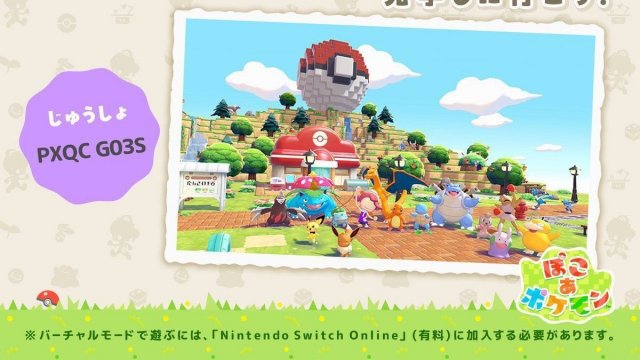
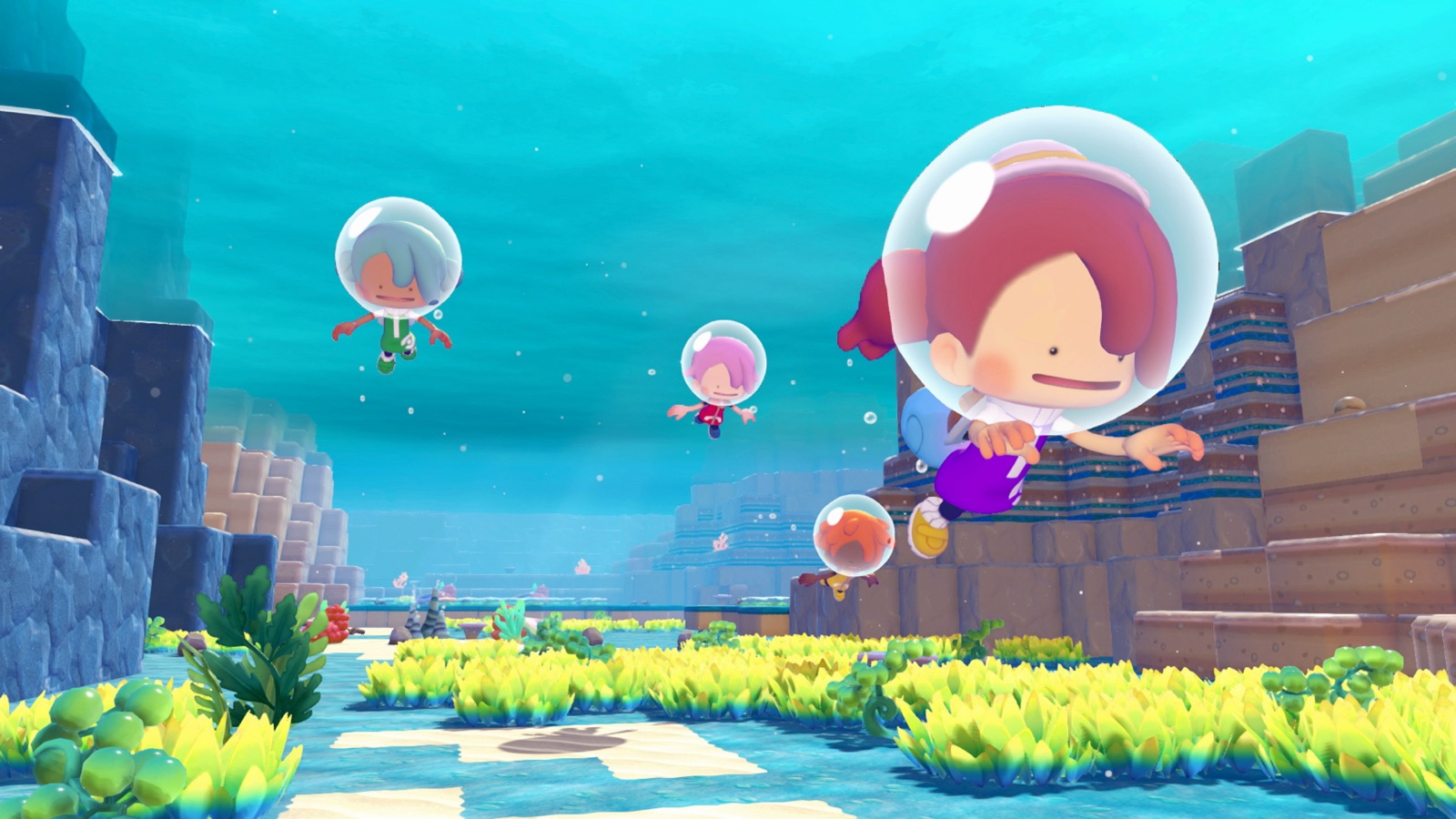
You can play Pokémon Pokopia with friends locally or online, with up to four people in a regular session. The right choice depends on whether you want to visit a town, work on an island together, or invite someone who does not own the game.
Compare the ways to play
| Mode | Group and place | What to expect |
|---|---|---|
| Town visit | Up to four; local or online | Visit the host’s town; building permissions depend on the town. |
| Cloud Island | Up to four at once; online | Work on a shared island, including when its owner is away. |
| GameShare | Host and one guest | The guest borrows access for the session. |
Online play needs an internet connection and Nintendo Switch Online. Local wireless visits do not need an online membership. Each participant in a normal visit needs a console and a copy of the game; GameShare is the separate option for a guest without a copy.
Can visitors build in your town?
In Palette Town, visitors can help build. In other towns, they cannot change the terrain, although they can still interact with Pokémon and habitats. Visitors cannot take items home from Palette Town, and challenge progress and rewards go to the host. Decide which town to open before inviting people: a sightseeing visit and a building session have different permissions.
A shared island for different schedules
A Cloud Island is a separate online space. Players with its address and any required link code can return even when the owner is offline. Up to four can be present at once. For a tour of published destinations, see our Cloud Island codes; the multiplayer guide explains the setup.
Can a friend try the game with GameShare?
The host needs the game on a Switch 2. A nearby guest can use a Switch 2 or an original Switch; access lasts only for the shared session. GameShare supports one guest, not three. There is also an online GameChat option with its own requirements, so check those before arranging a remote session.
Unlock Link Play
The Pokémon Center PC’s Link Play menu takes about 30 minutes to reach and requires Environment Level 2. Some options need further progress. Visit the PC after meeting those requirements to host or join, and use the beginner tips if you are still preparing your first town.
Prepare your visit with Pokodex
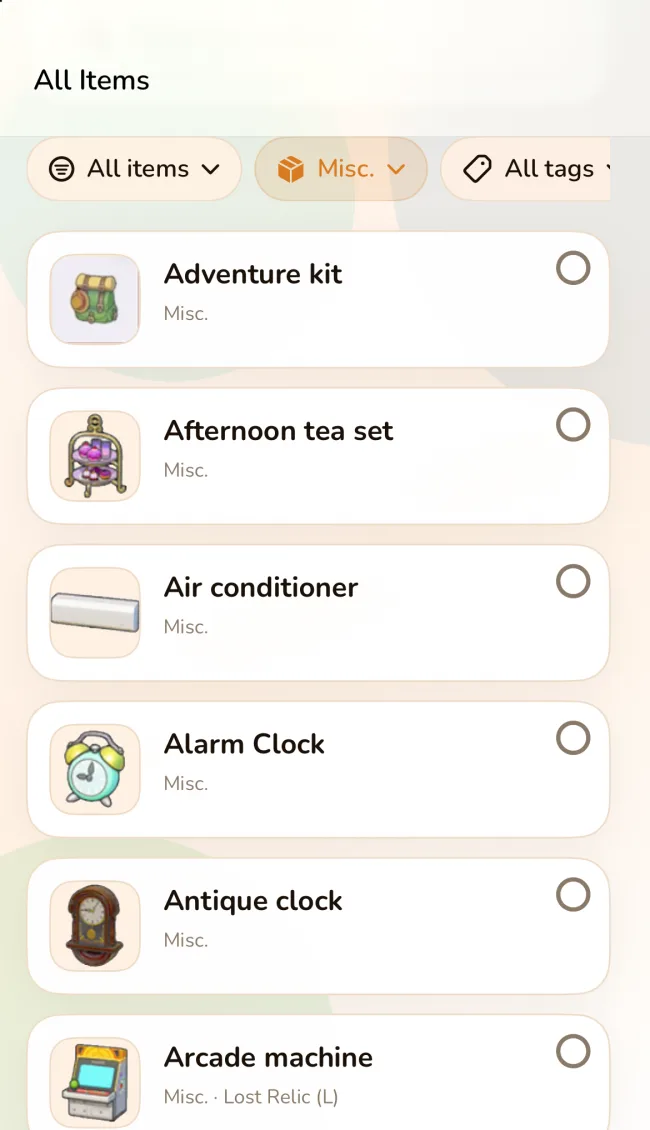
Pokodex’s Player Passport can hold your Cloud Island address and link codes for sharing with friends. Use the item catalog to keep track of objects you want to check after a visit.
Sources
Official announcements and reporting we checked for this article.