Tips
Pokopia Cloud Island codes: islands you can still visit
Pokopia Cloud Island codes with no end date (PXQC G03S, 0XGP 4N31, JW7M XKP2…), the ones that expired, and what you need to visit and copy items.
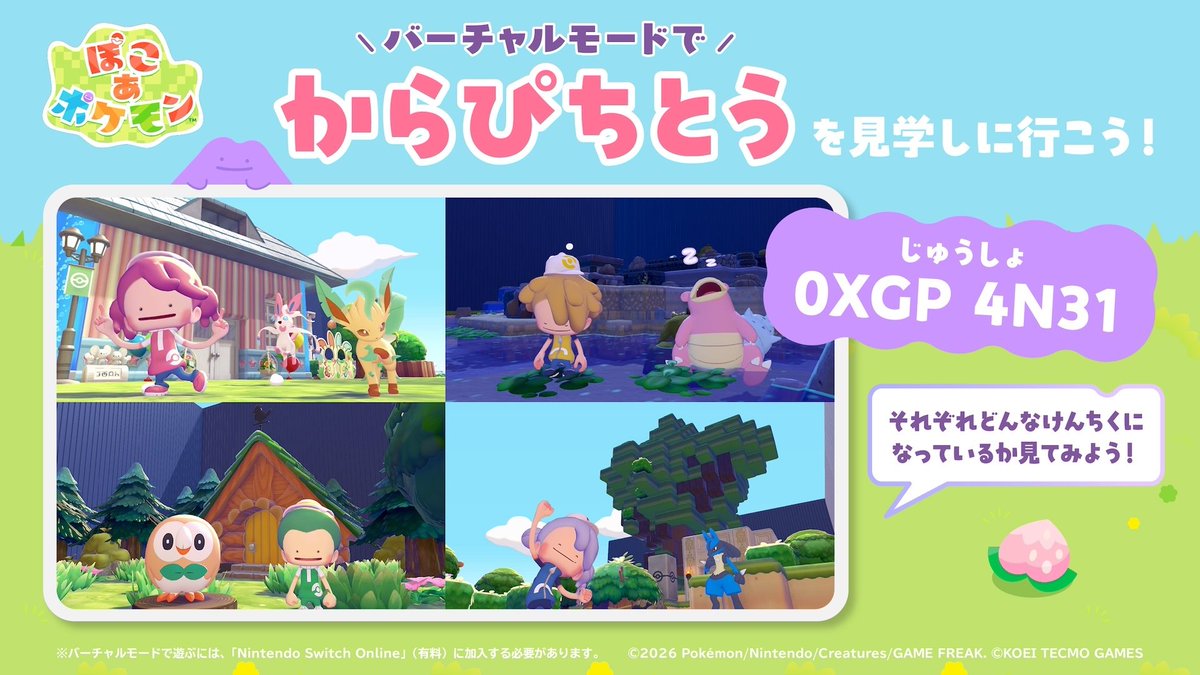
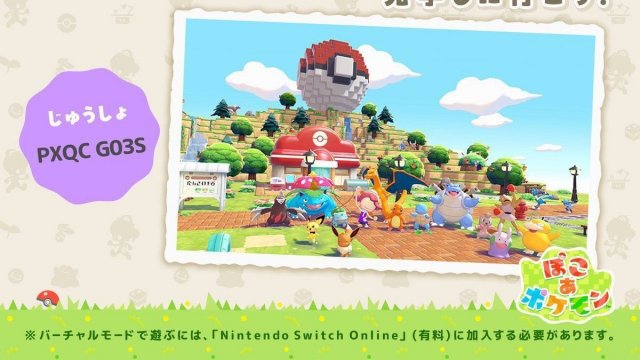
The official Pokopia Cloud Island codes with no published end date are PXQC G03S (the island built with fan suggestions before launch), 0XGP 4N31, BVLC 8WX6 and the PokémonXP & Worlds island JW7M XKP2. Several famous codes, including the IKEA island, have an end date that has already passed. To visit any of them you need a Nintendo Switch Online membership and the Mysterious Goggles.
What you need before entering a code
A Cloud Island is an online island that other players can explore even when its owner is offline. Official codes are visited in Virtual Mode, a read-only copy: you walk around, but nothing you do changes the original island.
- Nintendo Switch Online and an internet connection.
- Environment Level 3 in your town.
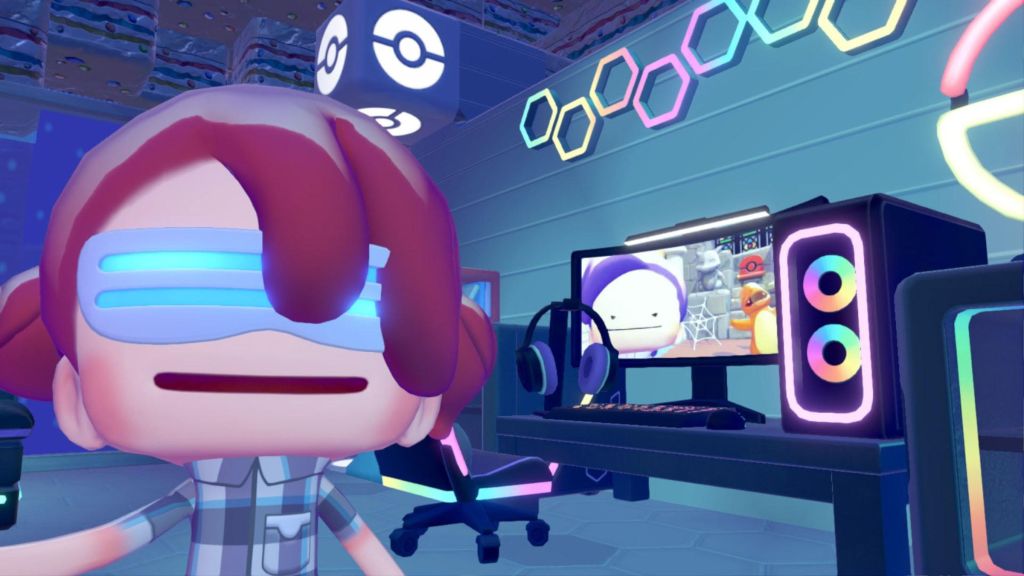
- Mysterious Goggles, sold in the shop on the PC inside a Pokémon Center for a small amount of Life Coins.
- The latest version of the game.
If you can't find the goggles in the shop, check your Environment Level first.
How to enter a Cloud Island code
- Press X to open your bag and select the Mysterious Goggles.
- Choose Yes when the game asks whether to put them on.
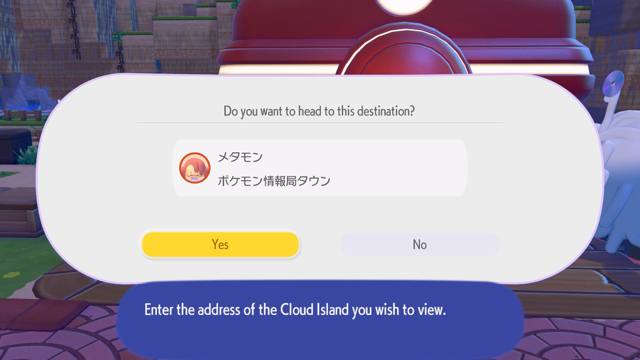
- Type the address (eight characters, like
PXQC G03S) and confirm with Yes. - To go back, open the Pokédex with +, press − and pick Return Home, or use the PC on the island.
Official codes with no published end date
| Code | Island | Why visit |
|---|---|---|
| PXQC G03S | Island made with fan suggestions before launch (also called the developers' island) | Every Berry tree, a minecart track and plenty of creative builds |
| 0XGP 4N31 | Island by the Japanese group Color Peach | Four themed areas |
| BVLC 8WX6 | Island by the Japanese YouTube channel Dozle | A small island with ports and a house |
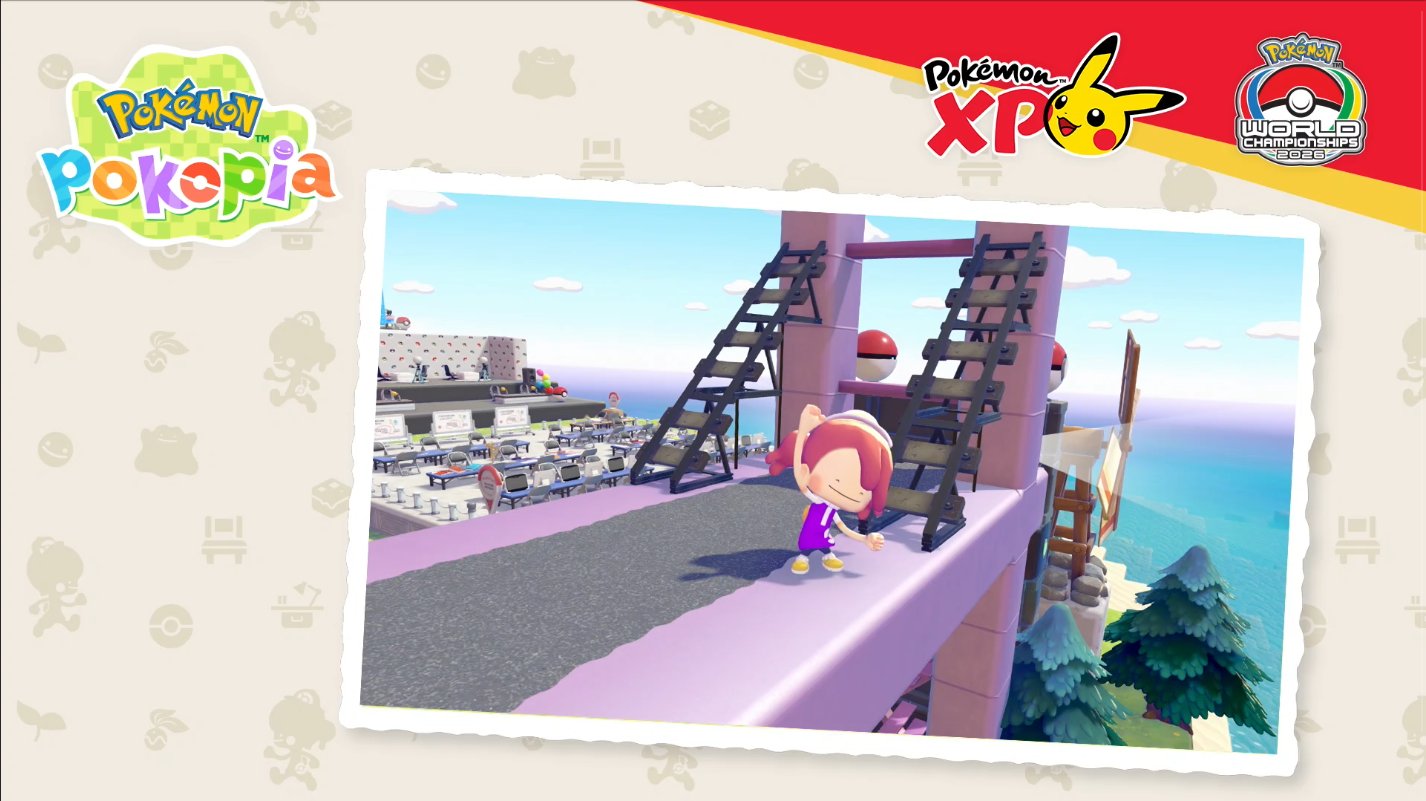
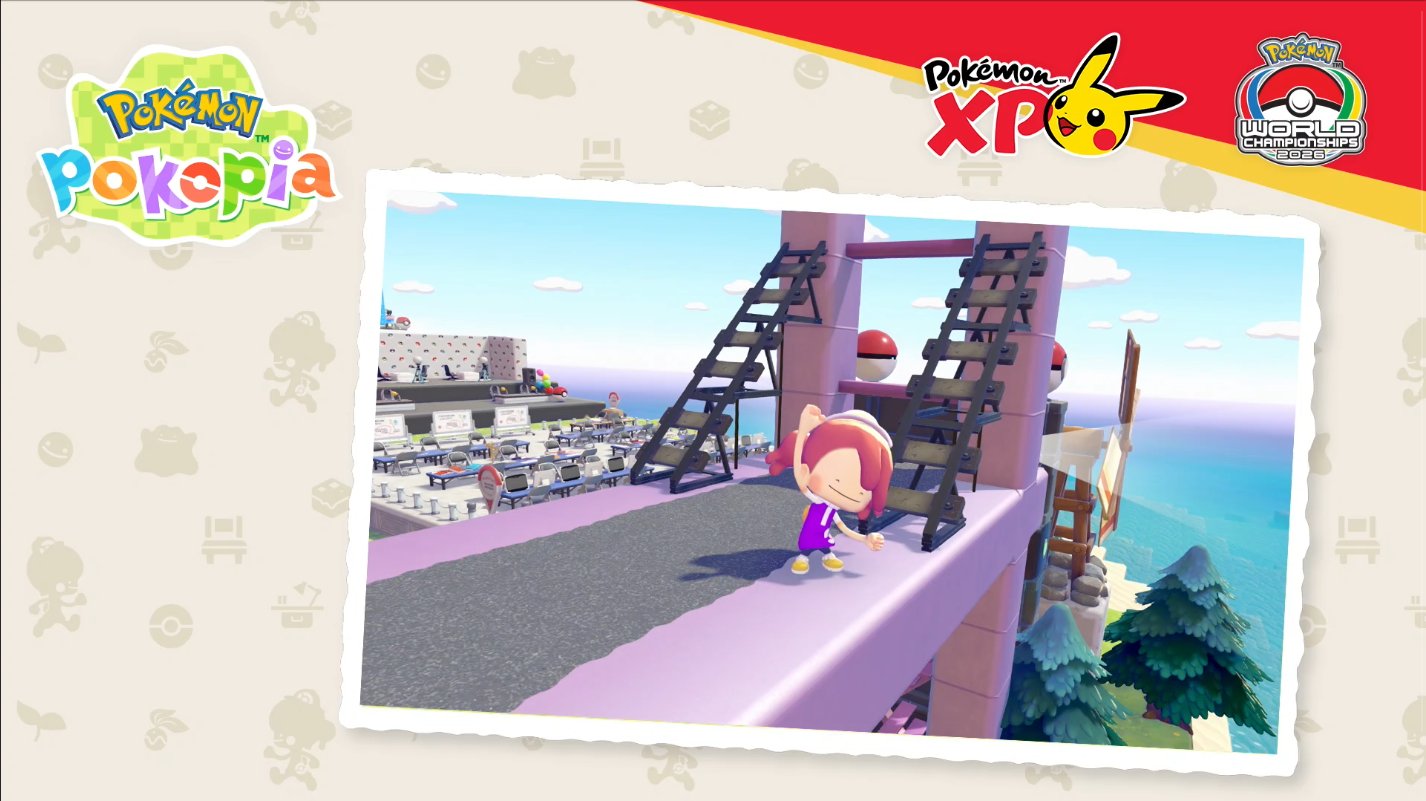
| JW7M XKP2 | PokémonXP & Worlds island, open since August 28, 2026 | A tournament stage, stands and giant Poké Balls by the sea |
| MYRS 615H | Island by voice actor Natsuki Hanae | Houses built for fellow voice actors |
| MJ6X PRMQ | CoroCoro island from May 2026 | No details published |
| 03X3 H83D | YUMMYYUMMY Island | Food builds inspired by Asian cuisines |
"No published end date" doesn't guarantee a code still connects. Fan guides list these islands without an expiry, but none of the pages we checked has been updated since the summer.
Sources disagree on BVLC 8WX6: one list gives that code to both Dozle's island and a second island, while another gives Natsuki Hanae's island its own code, MYRS 615H. If one code fails, try the other.
Codes that have already ended
- 0SJ8 5TRX, the IKEA island: ended June 30, 2026. It was a collaboration for IKEA Japan's 20th anniversary.
- QBRK 7FVM, EIKO, the island of Hidetaka Kano, who stars in some of Pokopia's Japanese commercials,, and MGL4 83P4, Rino Sashihara's beach island: one fan list gives both an end date of August 12, 2026, while another lists them without one.
The "all rare items" community island
The most searched community code is 6DXL PD6F, a player-made island that fan guides describe as holding every rare item and pattern: flowers, Berries, Lost Relics, fossils and more. It's unofficial, so its owner can change it or take it offline at any time.
Can you take items from a Cloud Island?
No. In Virtual Mode you can't pick anything up. What you can do is copy things:
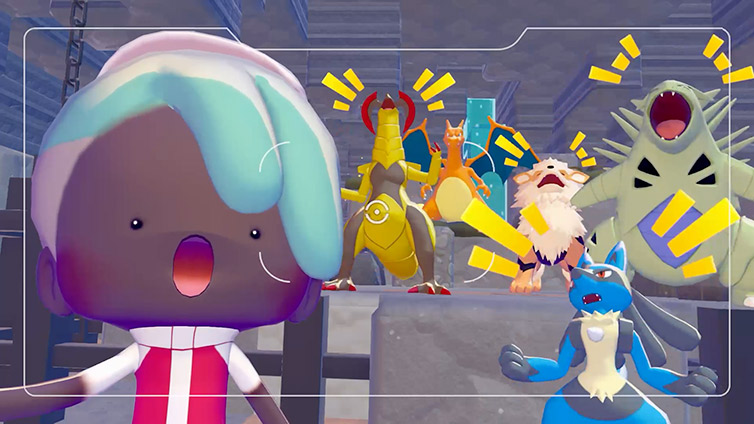
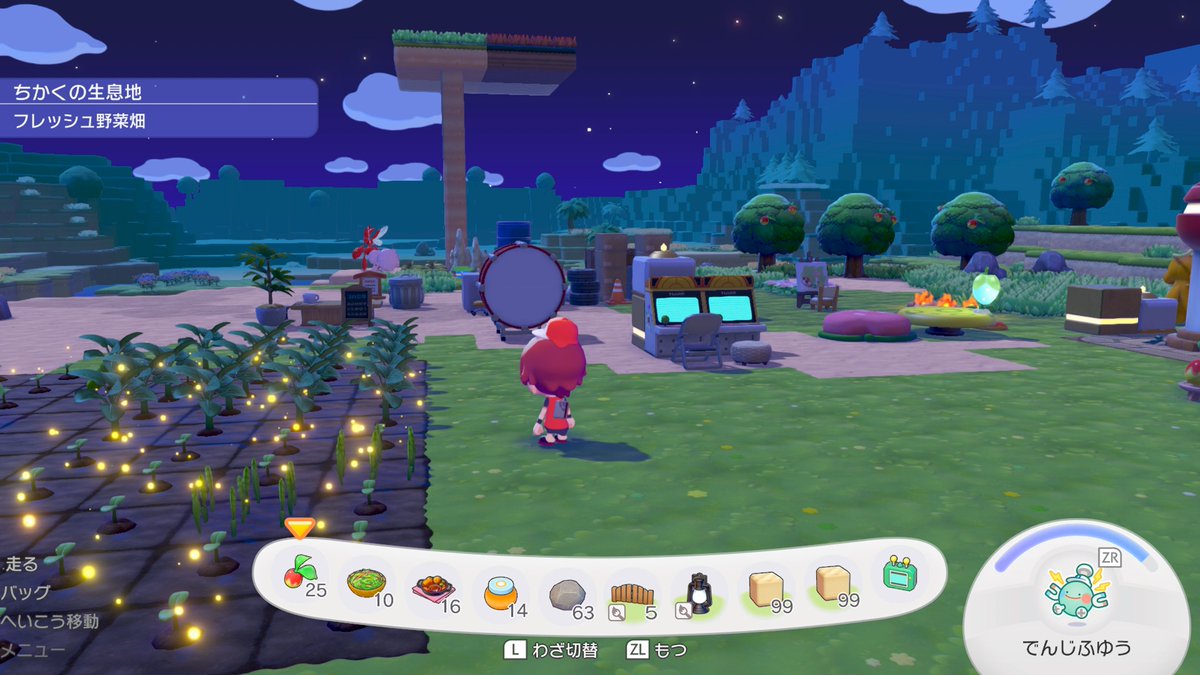
- Open the camera and switch it to the mode that identifies individual objects.
- Photograph the furniture or decorations you want.
- Back home, print them on the 3D Printer at your Pokémon Center with Pokémetal. Some items also need Rare Pokémetal.
Our 3D Printer guide explains what is worth printing, and the developers' island guide walks through the PXQC G03S trip in detail.
How to make and share your own Cloud Island
From the PC choose Link Play > Play on a Cloud Island > Create a new Cloud Island. You can let the game generate the terrain or type a nine-digit "magic number" to get a specific map. Your own Cloud Island starts from scratch with materials from every area: your story items stay home, but your Pokédex and recipe lists come with you.
Your address appears in Check Settings > Cloud Island Settings > Address. There you also choose whether to share the island, enable Virtual Mode and set a Link Code. You can own one Cloud Island at a time and keep one manual backup, which you can restore once a day. For playing together in real time, see our multiplayer guide.
Keep your island codes in Pokodex
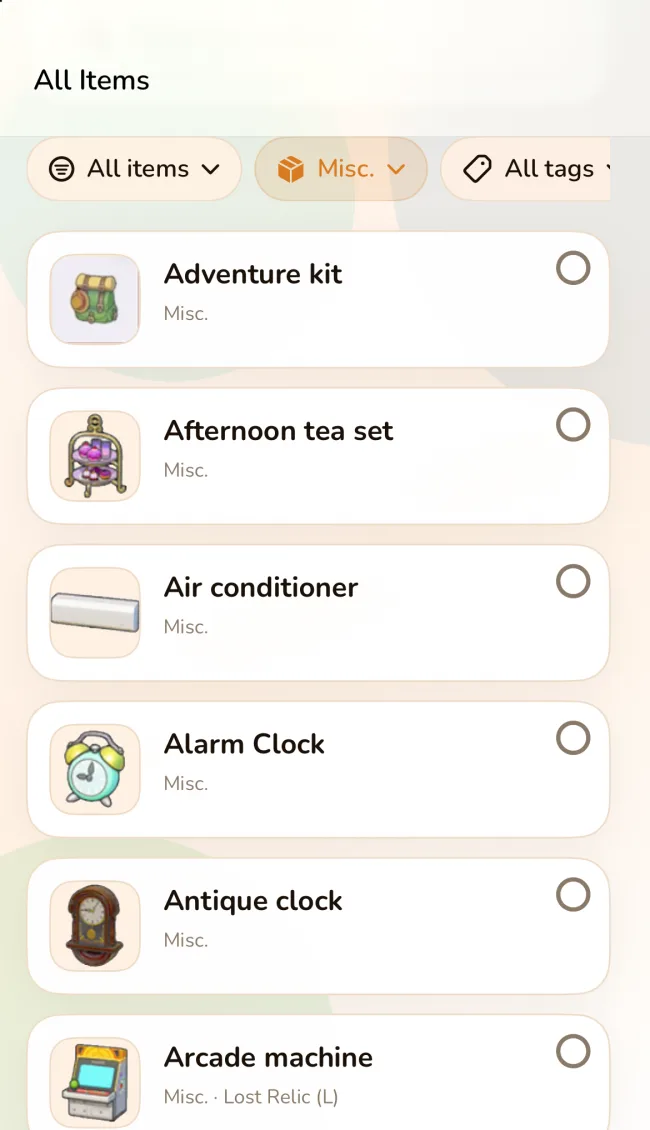
Pokodex's Player Passport stores your Cloud Island address, Cloud Island Link Code and Town Link Code on one card you can share with friends. When you come back from a trip with a camera full of photos, the Items list lets you tick off what you already own, so you only print what's missing.
Sources
Official announcements and reporting we checked for this article.
- Nintendo Support: Cloud Island Guide (Pokémon Pokopia)
- Nintendo Life: Pokémon Pokopia best Cloud Islands and developer island codes
- Serebii: Pokémon Pokopia Cloud Islands
- Nintendo Life: PSA, Pokémon Pokopia players can now tour the developers' Cloud Island
- ComicBook: New Pokémon Pokopia code Cloud Island
- ComicBook: New Pokémon Pokopia code brings a fresh Cloud Island for a limited time
- Gamereactor: How to visit Cloud Islands in Pokémon Pokopia and the developers' islands
- Nintendo & Pokémon Blog: Pokopia adds PokémonXP and Worlds Cloud Island on Aug. 28
- Nintendo & Pokémon Blog: PokémonXP and Worlds Cloud Island now live with code JW7MXKP2