Pokémon Pokopia is mostly a solo game, but you can share it with up to three friends in three different ways: visiting each other’s towns, building together in Palette Town or meeting on a Cloud Island. Each mode has different rules about what visitors can touch, so it is worth knowing them before you invite anyone.
How to unlock multiplayer
- Reach Environment Level 2 in Withered Wastelands. Before that, no multiplayer option is available.
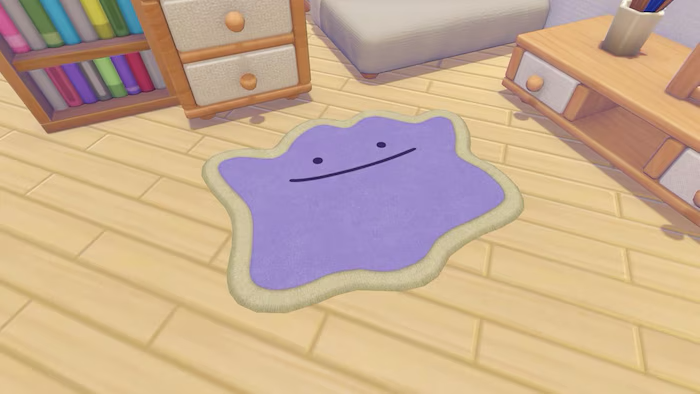
- Examine the PC of any Pokémon Center and choose Link Play, the icon with the Ditto emblem.
- Online play needs a Nintendo Switch Online subscription. Local play with consoles in the same room does not.
The three ways to play together
| Mode | Connection | What visitors can do |
|---|---|---|
| Visiting a story town | Online or local | Spectator Mode only: explore, see the host’s Pokémon and note down habitats |
| Palette Town | Online, local or GameShare | Build, gather, craft and complete group challenges with the host |
| Cloud Island | Online only | Build or destroy anything; the island stays open even if the host is offline |
How to host and join
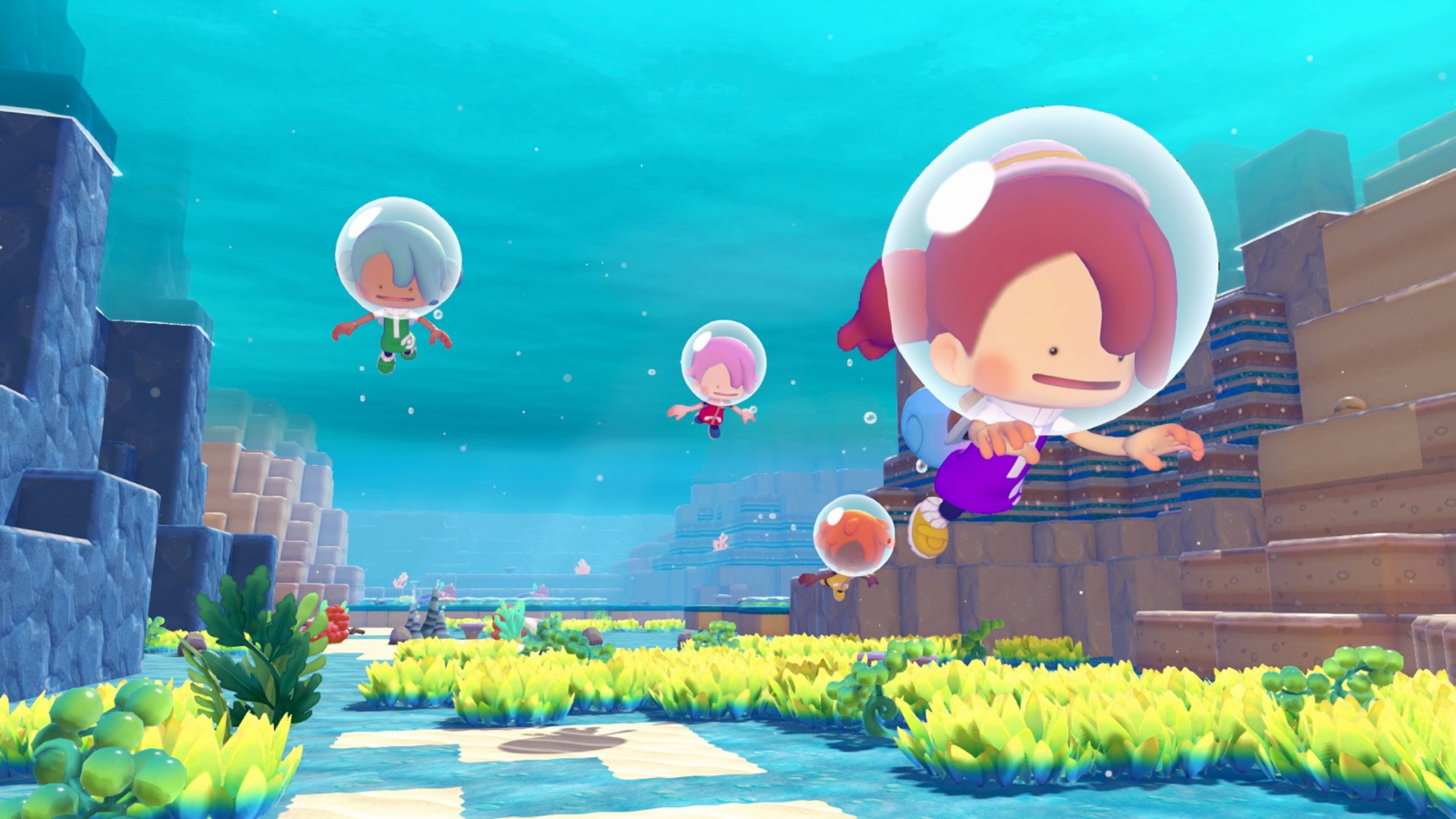
- The host chooses Invite Others to Visit, picks the group size (up to four players) and decides whether to show the Link Code.
- The host shares the Link Code with friends.
- Friends choose Visit a Friend and type the code. They usually arrive within a minute or two.
You can host from Withered Wastelands, Bleak Beach, Rocky Ridges, Sparkling Skylands and Palette Town.
Visiting a story town
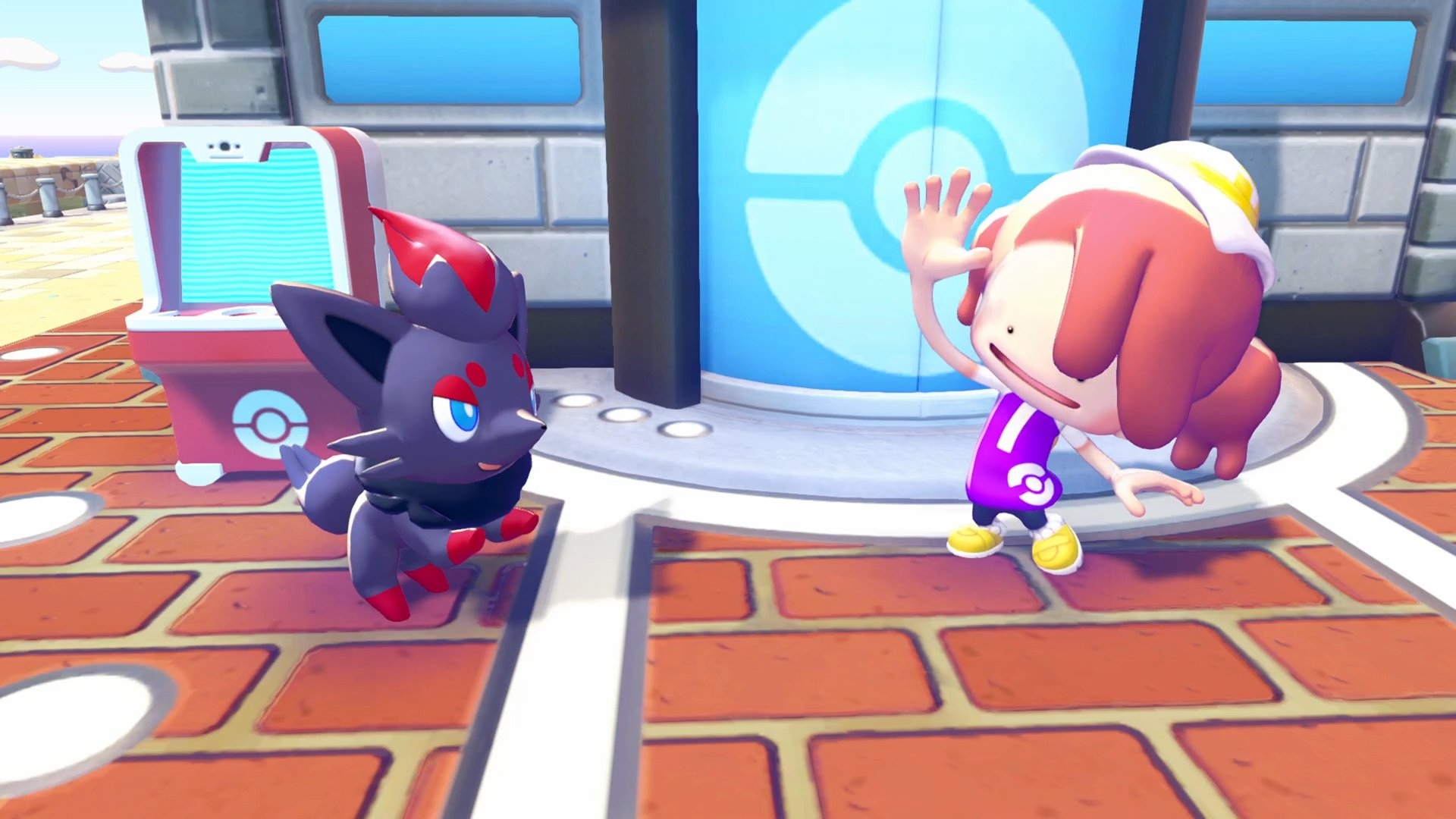
When friends visit one of your four main-story towns they are always in Spectator Mode. They cannot change your buildings, they only have a few of Ditto’s transformations and they cannot open their own Bag. It is perfect for showing off a town or letting friends copy a habitat recipe they have not discovered yet, but not for working together.
Building together in Palette Town
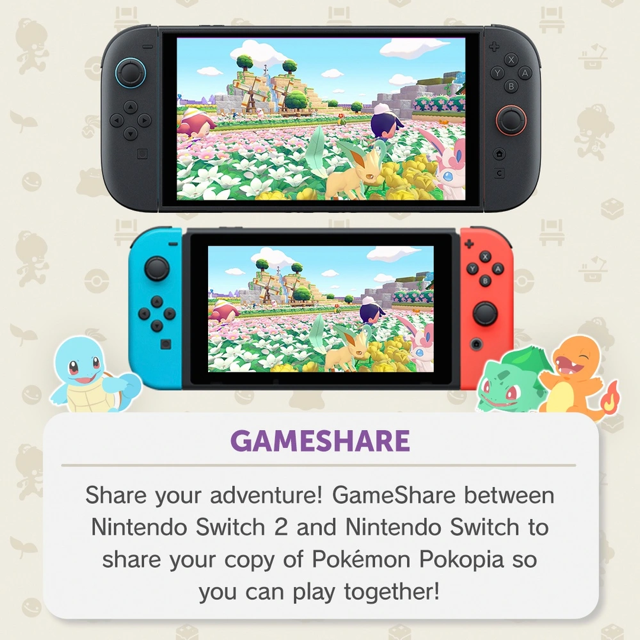
Palette Town is the real co-op area. You reach it on foot by repairing the bridge near the spot where Onix was trapped in Withered Wastelands. There, visitors can build, collect materials, craft and look after the island, and special group challenges appear while someone is visiting. It is also the only mode that works with GameShare, so a friend with a Nintendo Switch 1 can join without owning the game.
- Only the host can take back Pokémon and items placed in Palette Town.
- If you do not want anyone to touch your work, the host can switch on Spectator Mode here as well.
Cloud Islands
A Cloud Island works like a small server: you create it from scratch (randomly or with a Magic Number) and it gets a code. Up to four players can play there at the same time, and friends can join even when the host is offline as long as the island is open. Each player keeps the recipes and habitats they discover there, but Pokémon met on a Cloud Island are not registered properly in your Pokédex. You can only host one Cloud Island at a time.
If you only want to look around someone else’s island, buy the Mysterious Goggles at a Pokémon Center to enter it in Virtual Mode, where nothing you do is saved.
Tip: visiting friends’ story towns is the fastest way to learn new habitat recipes. Examine their habitats while you are there and they are logged for reference in your own game.