Tips
Can you restart Pokopia? How to start a new save on Switch 2
Restart Pokopia with a second Switch 2 user or by deleting your save. Exact steps, what you can't redeem again, and how the Expansion Pass works on a new game.

Yes, you can restart Pokopia, in two ways. The safe one is to create a new user on your Nintendo Switch 2 and start a fresh game there: each user has their own save, so your first town stays untouched. The other is to delete your Pokopia save data in System Settings, which can't be undone. Before you choose, know that Mystery Gift codes and purchase bonuses you already redeemed won't work a second time.

Option 1: a second save on a new user
Fan guides report that Pokopia keeps one save file per user profile. To get a second town without losing the first, add a user and play from that profile:
- On the HOME Menu, open System Settings > Users > Add User.
- Link the new user to a Nintendo Account. Mystery Gifts need a profile linked to a Nintendo Account, so this matters later.
- Start Pokopia from the new user and you'll begin a brand-new game.
Nintendo's own support pages explain why this works: save data is tied to each user and can't be moved between users. That also means you can't copy your old town into the new profile, or merge them later.
Option 2: delete your save and start over
If you want to replace your current town, delete the save from the console:
- On the HOME Menu, open System Settings.
- Go to Data Management > Delete Save Data (enter your parental controls PIN if asked).
- Pick Pokémon Pokopia.
- Choose the user whose save you want to erase, or "Delete Save Data for this Software" to wipe it for everyone on the console.
- Confirm with Delete Save Data.
Deleted save data can't be recovered. Deleting the game itself does not delete your save, and deleting a user deletes every save tied to that user.
Want a safety net? With Nintendo Switch Online you can back up saves in System Settings > Data Management > Save Data Cloud. Select your user and Pokopia there before deleting anything. If the console says the software doesn't support Save Data Cloud backup, there's no cloud copy to fall back on.
What you won't get back on a new save
- Single-use codes. The 30 Rare Pokémetal from the Expansion Pass purchase bonus and the Berry furniture set code are one-time codes. The Pokémon Company says you can't use the same code in another save file.
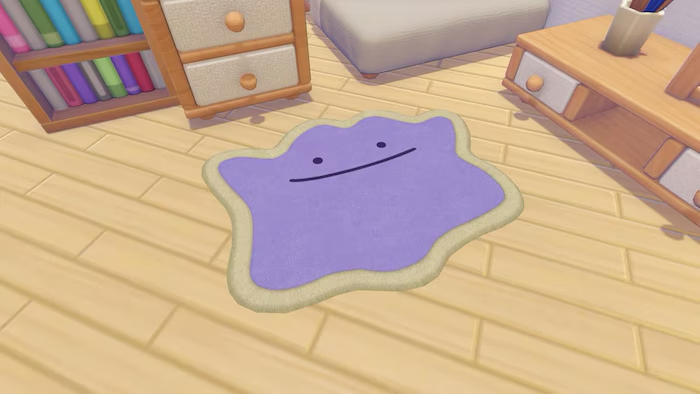
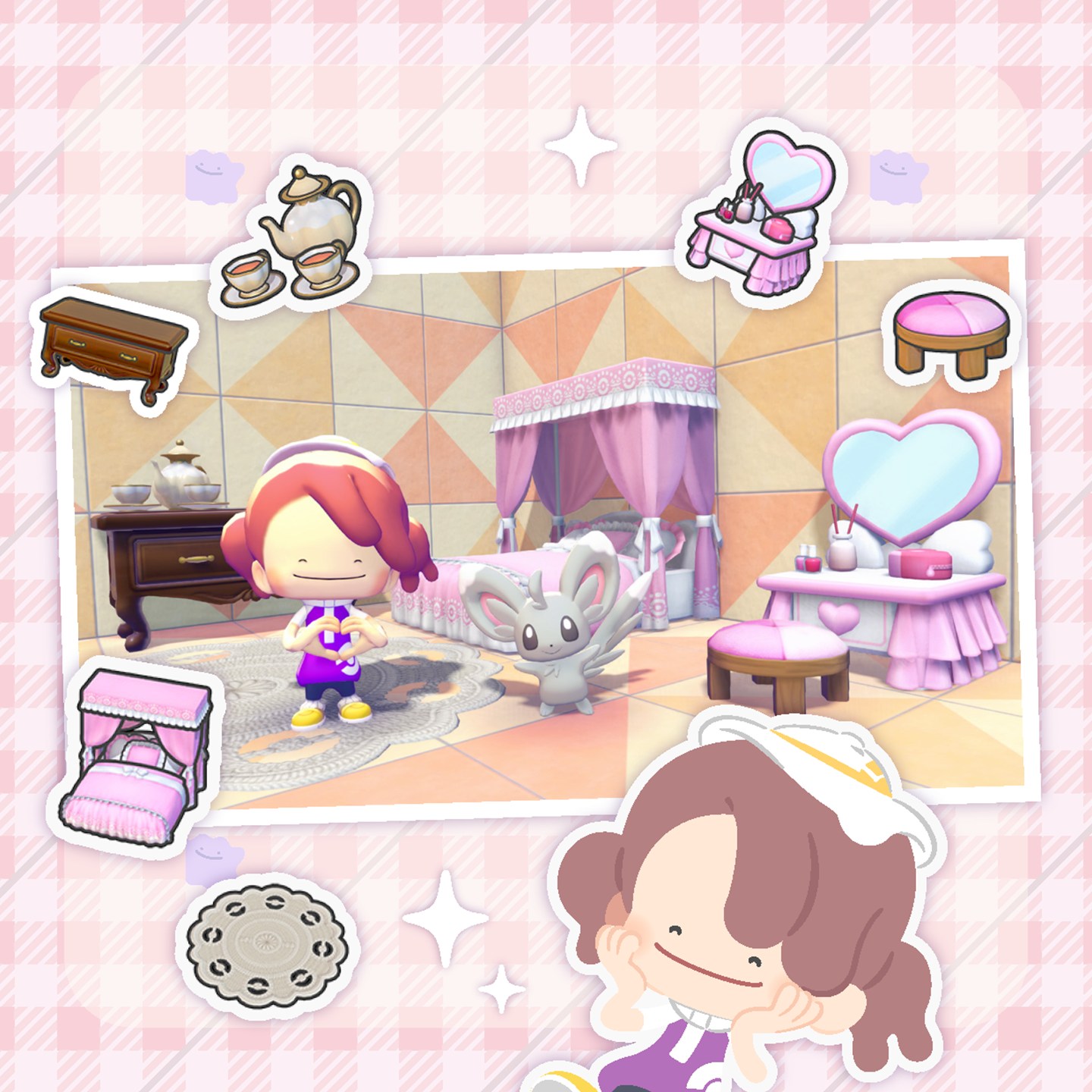
- The early-purchase Ditto rug. Nintendo's store page says this item can only be redeemed once, and it can be claimed until January 31, 2027.
- Your town and friends. Pokémon, buildings and items stay with the old save. Nothing carries over between users.
Mystery Gifts themselves still work on a new save, but the PC that hands them out only opens after about 30 minutes of play.
The Expansion Pass on a fresh start
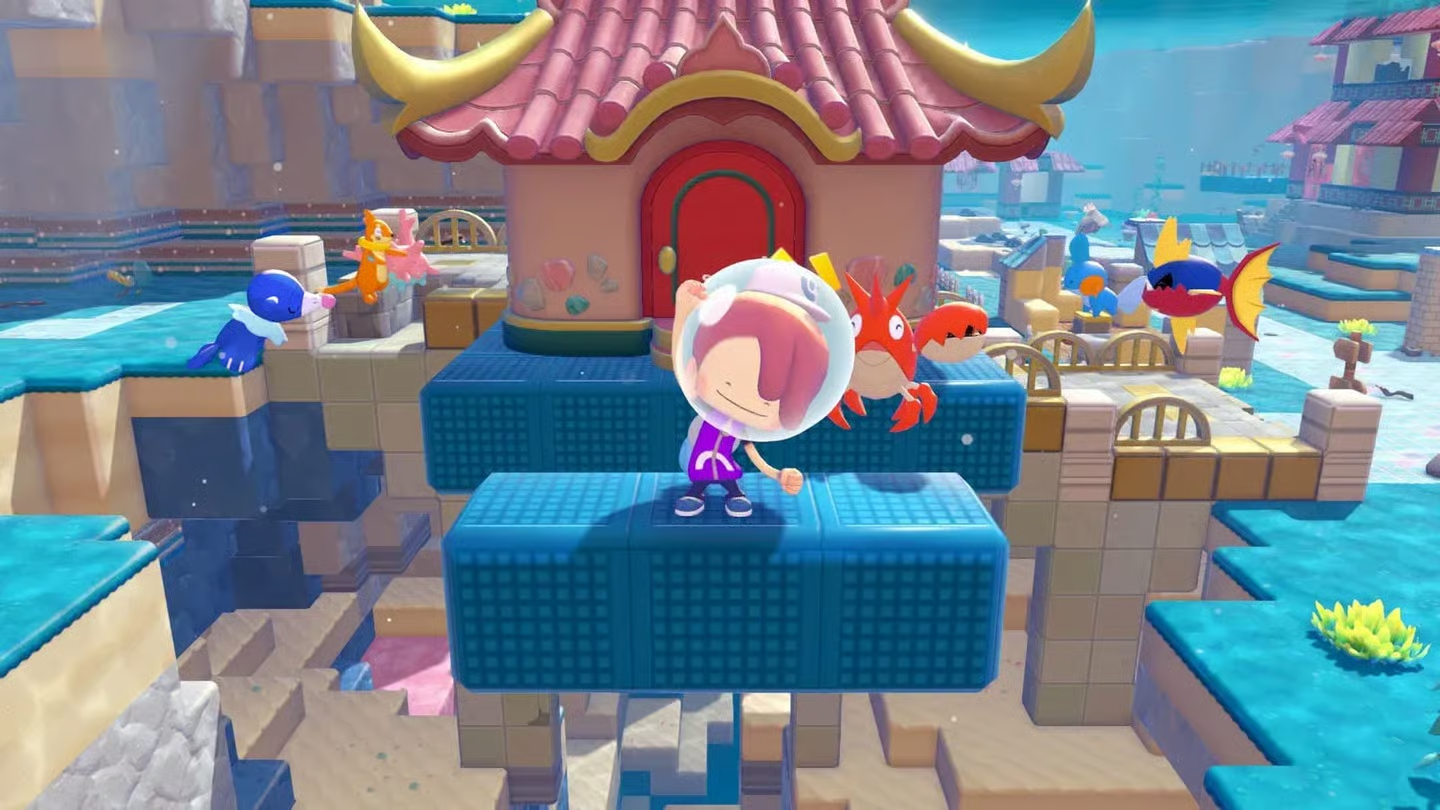
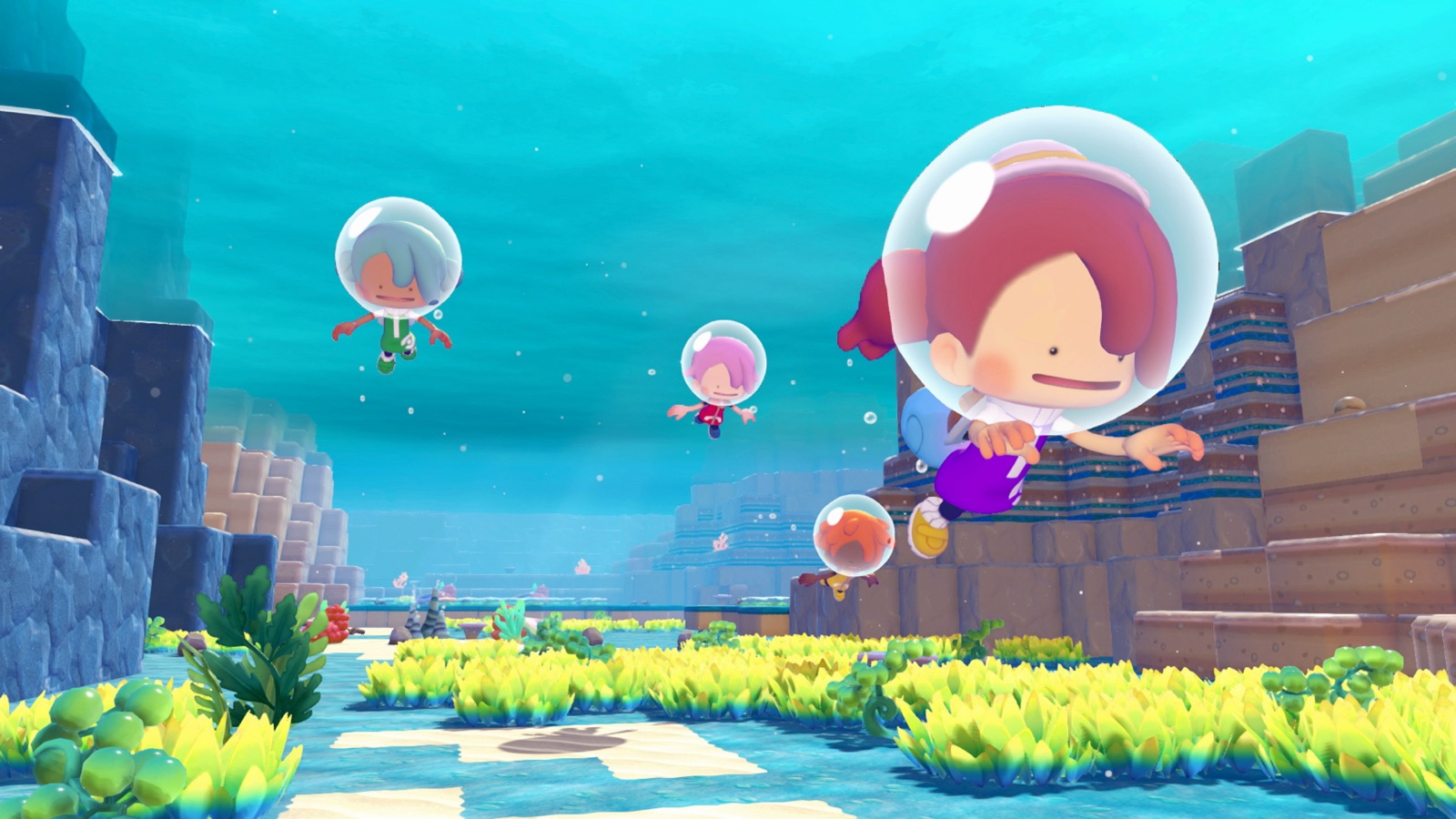
Pokopia's expansions ask for story progress before their content appears. Part 2, Dazzling Decorations, arrives on December 9 with free update 3.0.0 and works with your existing save. On a new one, you'll first need to clear the important requests "Raise the environment level!" and "Rebuild the Pokémon Center!" in Withered Wasteland, plus Drifloon's "Find a doll!" request. Part 1, Bubbly Basin, needs Ditto to learn Dive and the Bleak Beach request "Raise the environment level!".
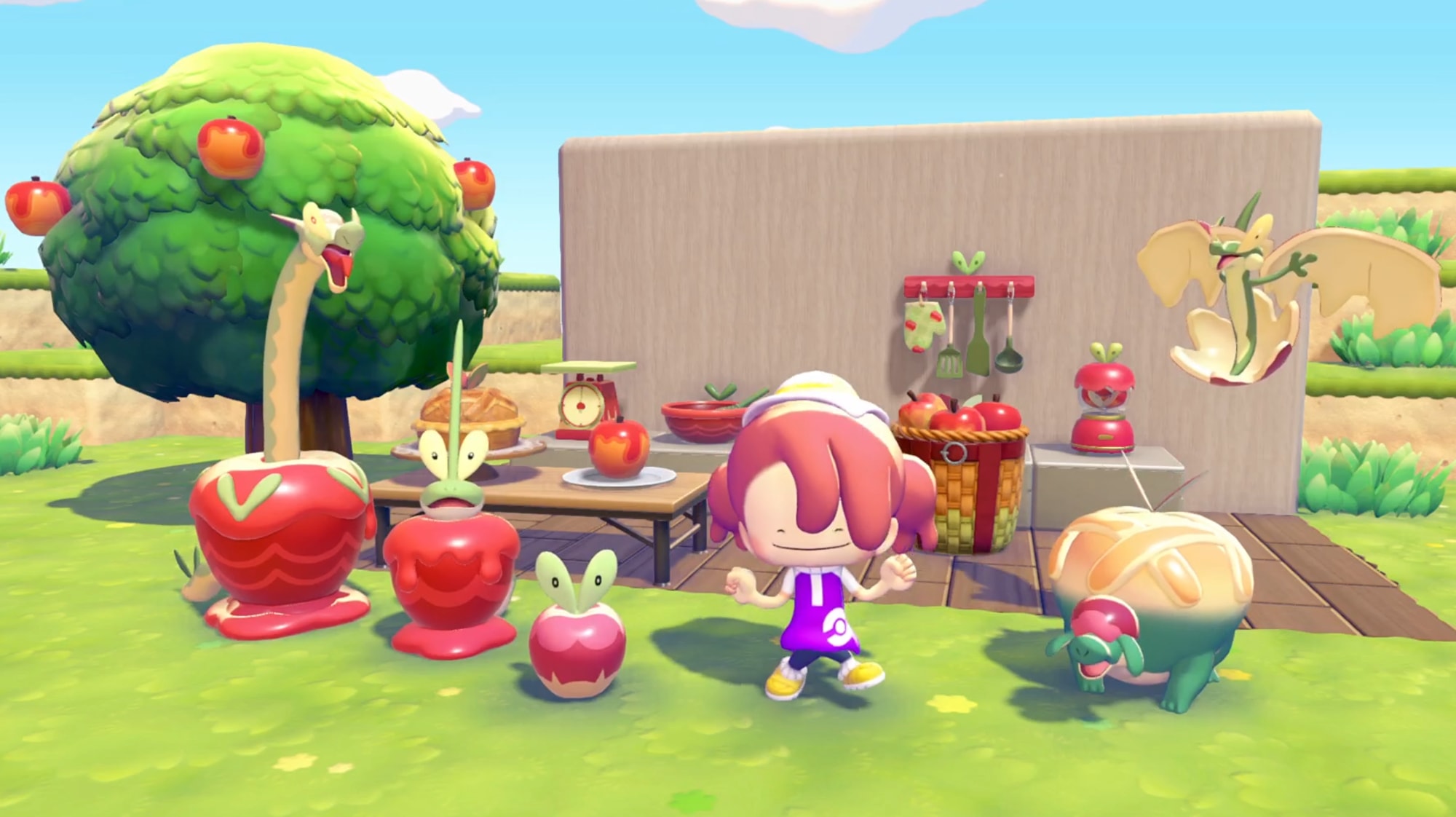
If you restart this week, keep an eye on the clock: the Apples to Applin event ends on December 1 at 04:59 local time. A new town can still join as long as it completes the town's important request and rebuilds the Pokémon Center before then. Our event deadline post explains what's left to do, and the Mystery Gift guide covers redeeming codes on any save.
Track your second run with Pokodex
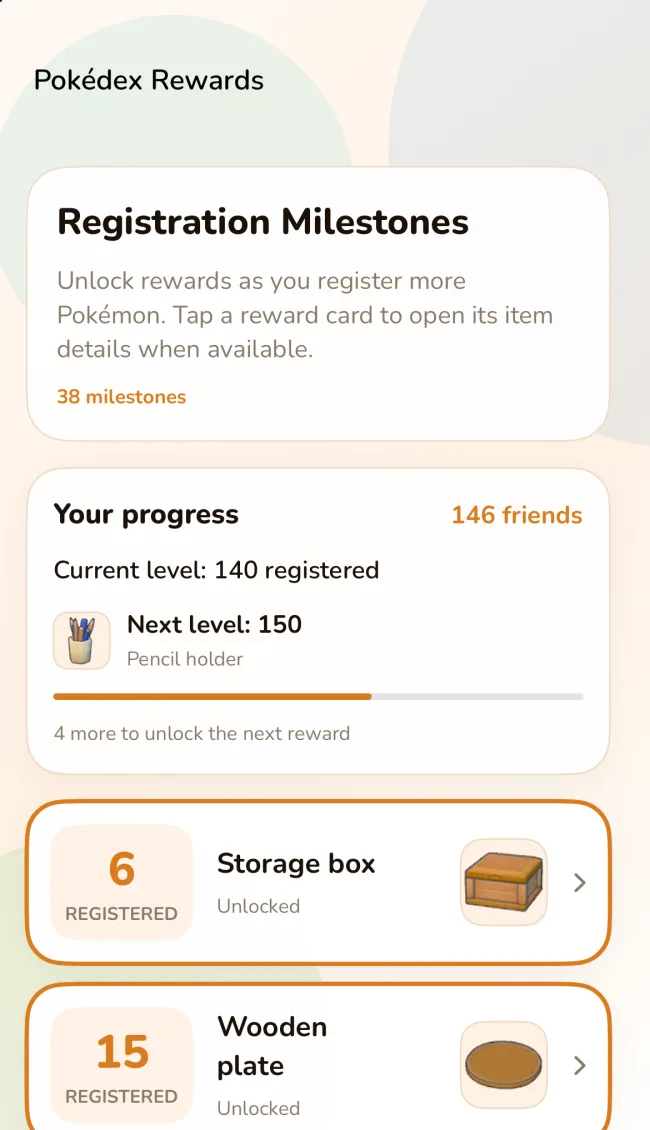
Starting over means befriending every Pokémon again. Pokodex's Pokédex keeps your friendship progress, and its Pokédex Rewards screen shows each registration milestone and the item it unlocks, so you know what's coming as your new town fills up.
Sources
Official announcements and reporting we checked for this article.
- Nintendo Support: How to manage or delete game save data on Nintendo Switch 2
- Nintendo Support: Nintendo Switch 2 data management FAQ
- Nintendo Support: How to back up save data on Nintendo Switch 2
- Nintendo Support: How to add a new user on Nintendo Switch 2
- Nintendo Support: How to receive a Mystery Gift (Pokémon Pokopia)
- Nintendo: Pokémon Pokopia store page (Nintendo Switch 2)
- Pokémon Asia press release: Expansion Pass Part 2 Dazzling Decorations (November 4, 2026)
- Pokémon Pokopia Expansion Pass, official site
- Backyard Drunkard: How to save in Pokémon Pokopia