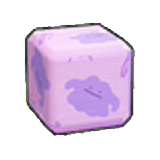
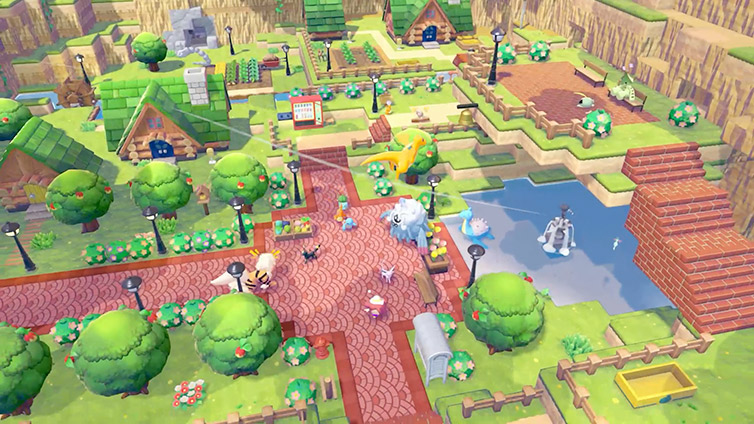
Mystery Gifts are claimed at the PC in town once the opening tutorial has progressed far enough. Nintendo estimates about 30 minutes, but the important step is unlocking PC access rather than waiting on a timer. Connect to the internet with a user linked to a Nintendo Account; a paid Nintendo Switch Online subscription is not required.
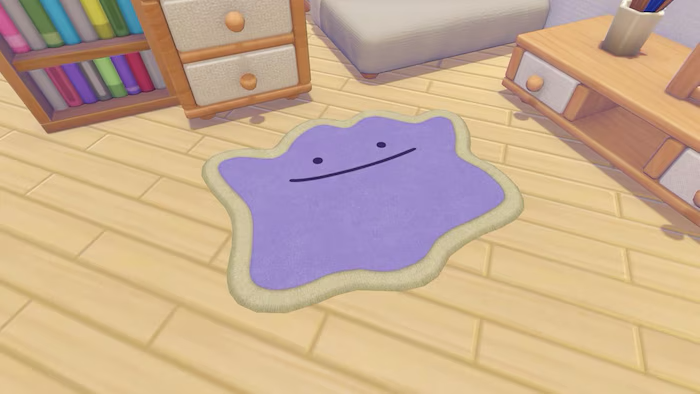
Use the method assigned to the reward
- Interact with the PC, open Get Items and select Mystery Gifts. You can use the feature once this menu is available without first completing the whole game.
- Choose Get via Internet for rewards distributed directly online. Select the available gift you want and confirm its arrival; this route does not ask for a password.
- Choose Get with Code/Password for a distribution supplied with a code. Enter it exactly as provided, confirm the reward and let the receipt finish. The game saves automatically after a successful claim.
Check history before entering the code again
Use Check Mystery Gifts to see whether the reward has already been received. Then inspect your inventory or the relevant recipe list. A recipe unlock does not necessarily place a finished object in the bag, and a one-use personal code cannot be redeemed again simply because you changed profiles.
Resolve missing or rejected gifts
Confirm the distribution's deadline and which method it uses, then check the connection and any typing error. A valid code for one campaign does not unlock every available gift. If the menu is absent, continue the opening PC tutorial. An expired or already-used code is not repaired by waiting beside the terminal.