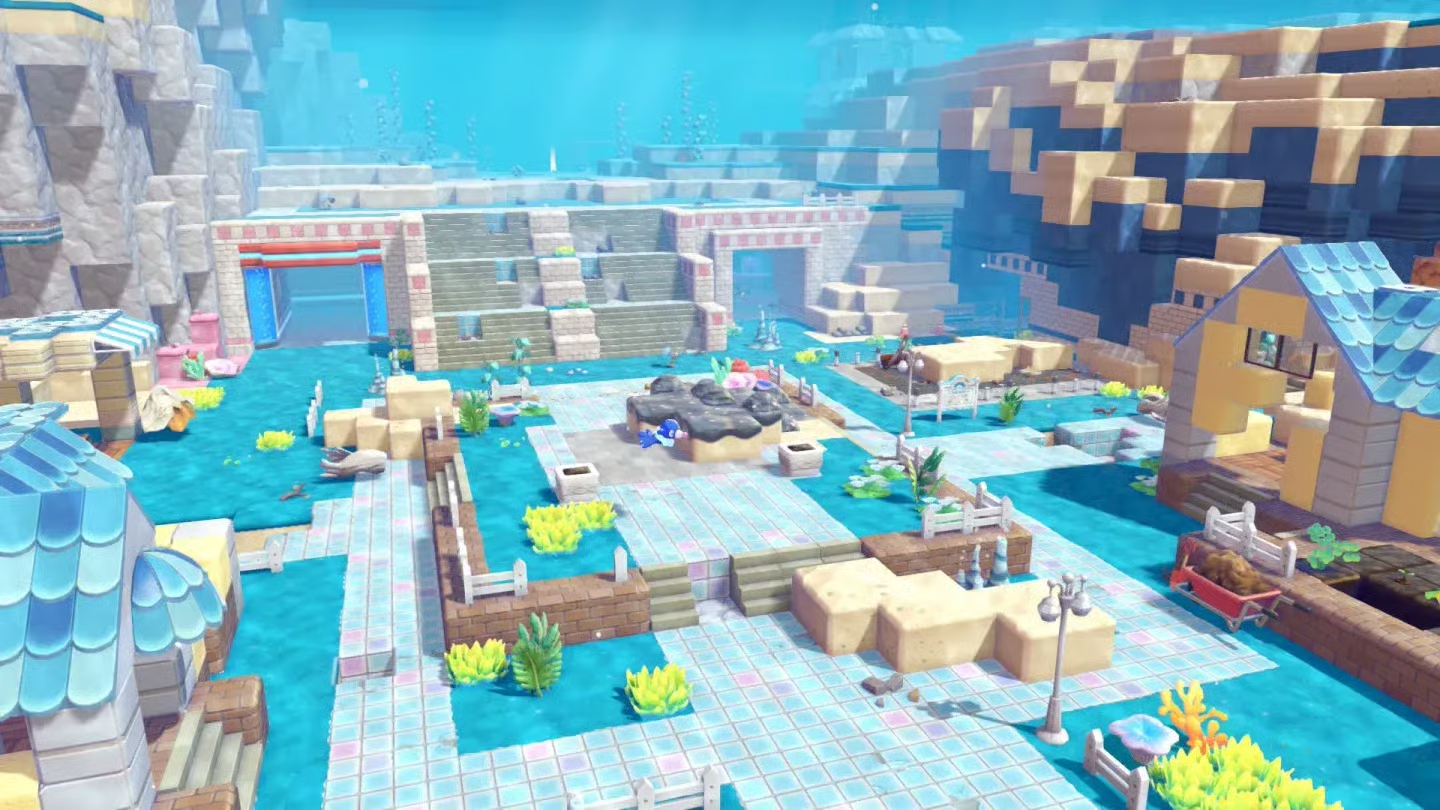
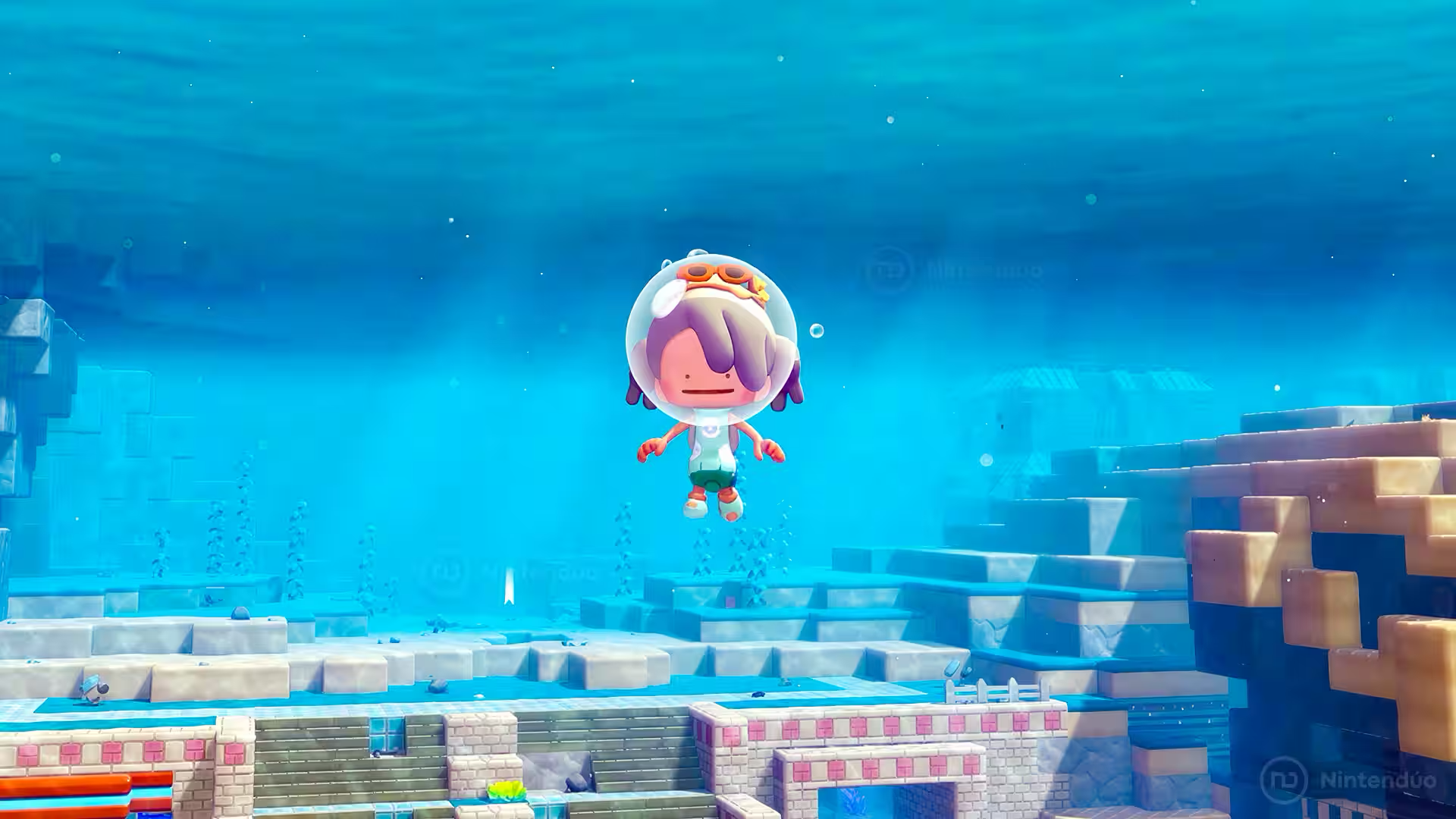
Dive arrived with version 2.0.0 of Pokemon Pokopia for Switch 2, but its tutorial leaves out two especially useful controls. One sends Ditto down through deep water much faster; the other locks your character at the current depth.
Both techniques work anywhere you can use Dive. They are most valuable in Bubbly Basin, where long vertical routes and underwater decorating make precise movement important.
Hidden Dive controls at a glance
| Input | Effect | Best use |
|---|---|---|
| Rotate the Left Stick | Descend quickly | Reaching the seabed or a lower platform |
| Hold R or ZL | Remain at the same depth | Looking around or placing underwater furniture |
How to descend faster with Dive
- Enter deep water and activate Dive.
- Move the Left Stick in continuous circles while submerged.
- Ditto will drop rapidly instead of following the usual slow descent.
- Stop rotating the stick as you approach the height you want.
This works like an underwater sprint aimed downward. It saves the most time when an objective, cave entrance, or construction area sits far below the surface.
How to hover without rising or sinking
Hold R or ZL while underwater to keep Ditto suspended at its current depth. Release the button when you are ready to continue swimming.
Freezing your height gives you time to turn the camera, choose a route, or line up decorations without constantly correcting your vertical position. It is particularly handy when building an underwater town in Bubbly Basin.
Do these tricks require the Expansion Pass?
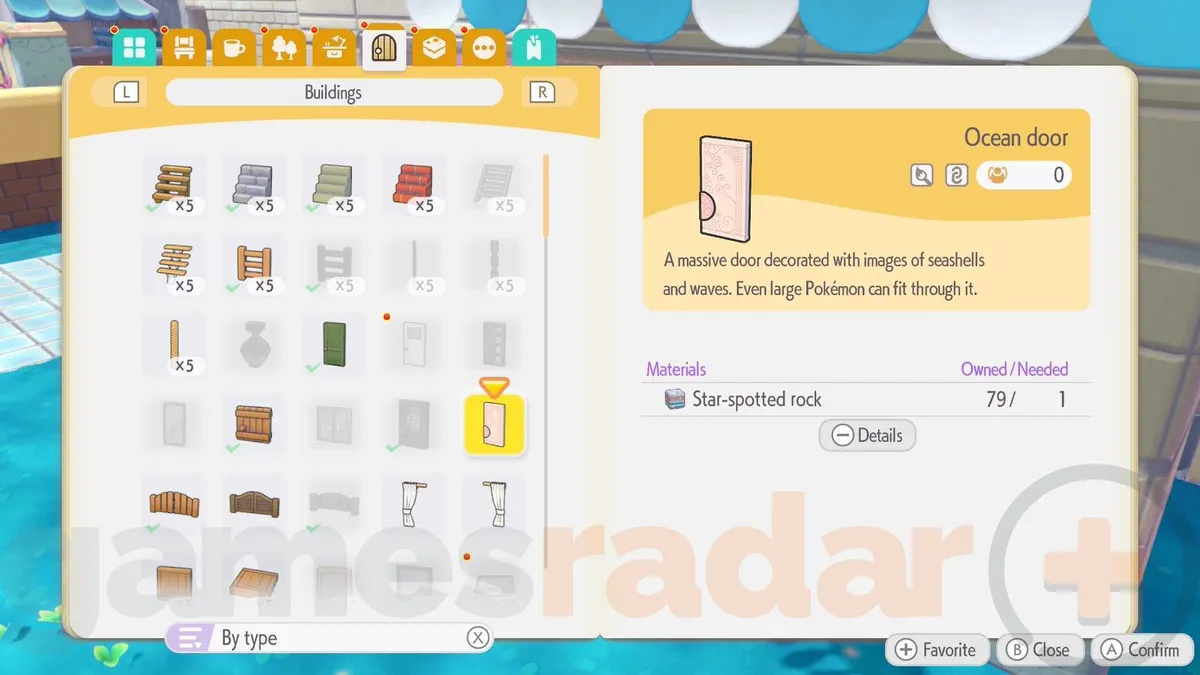
No. Dive and both shortcuts belong to the free version 2.0.0 update. The Pokemon Pokopia Expansion Pass is only needed to enter Bubbly Basin and play its paid story content.
When these controls are most useful
- Use the circular stick motion for long trips from the surface to the seabed.
- Hold R or ZL before inspecting the area so the camera stays at a predictable height.
- Hover while positioning marine furniture, then release the button to move to the next piece.
- Practise both inputs before the Feebas event begins on August 13, 2026.