Jirachi's event uses a two-stage currency. A crafted Wish Note is the starting material; the Sparkling Wish Note earned by fulfilling a resident's wish is what buys the star-themed furniture. Simply crafting a pile of ordinary notes will not unlock those exchanges.
Prepare before accepting a wish
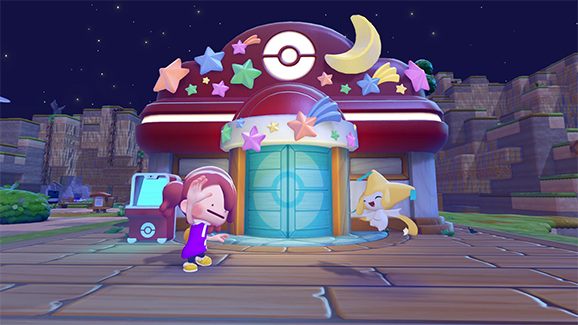
- While the event is available, speak to Jirachi outside a rebuilt Pokémon Center to learn the Wish Note recipe. Craft notes at a workbench using two Vine ropes per note.
- Look for residents with a worried request bubble. Talk to one, use the event dialogue to give it a Wish Note and check what it needs before committing to the task.
- Fulfil the request and finish the conversation to receive the Sparkling Wish Note. Return to the Center to exchange it, then repeat with another resident.
Finish the request before the day ends
Event wishes have a deadline at the end of the current in-game day. Start with requests whose materials or furniture you can obtain promptly. Preparing notes in advance avoids discovering a suitable resident and then having to interrupt the task to gather crafting materials. A normal gift conversation is not the wish-note exchange.
Make exchanges count toward the frame
The Shooting Stars photo frame unlocks after spending eight Sparkling Wish Notes on event rewards. Holding eight in your bag is not enough. Track the exchanges already made, keep completing manageable wishes and return to Jirachi for the follow-up dialogue. The event must be available for this collection loop; its furniture is not a permanent daily shop.