For a new building site, choose the boundary and finished ground level before removing blocks. Keep the work area separate from occupied habitats and move affected residents first. A nearby storage box and spare bag space prevent repeated trips while excavated blocks accumulate.
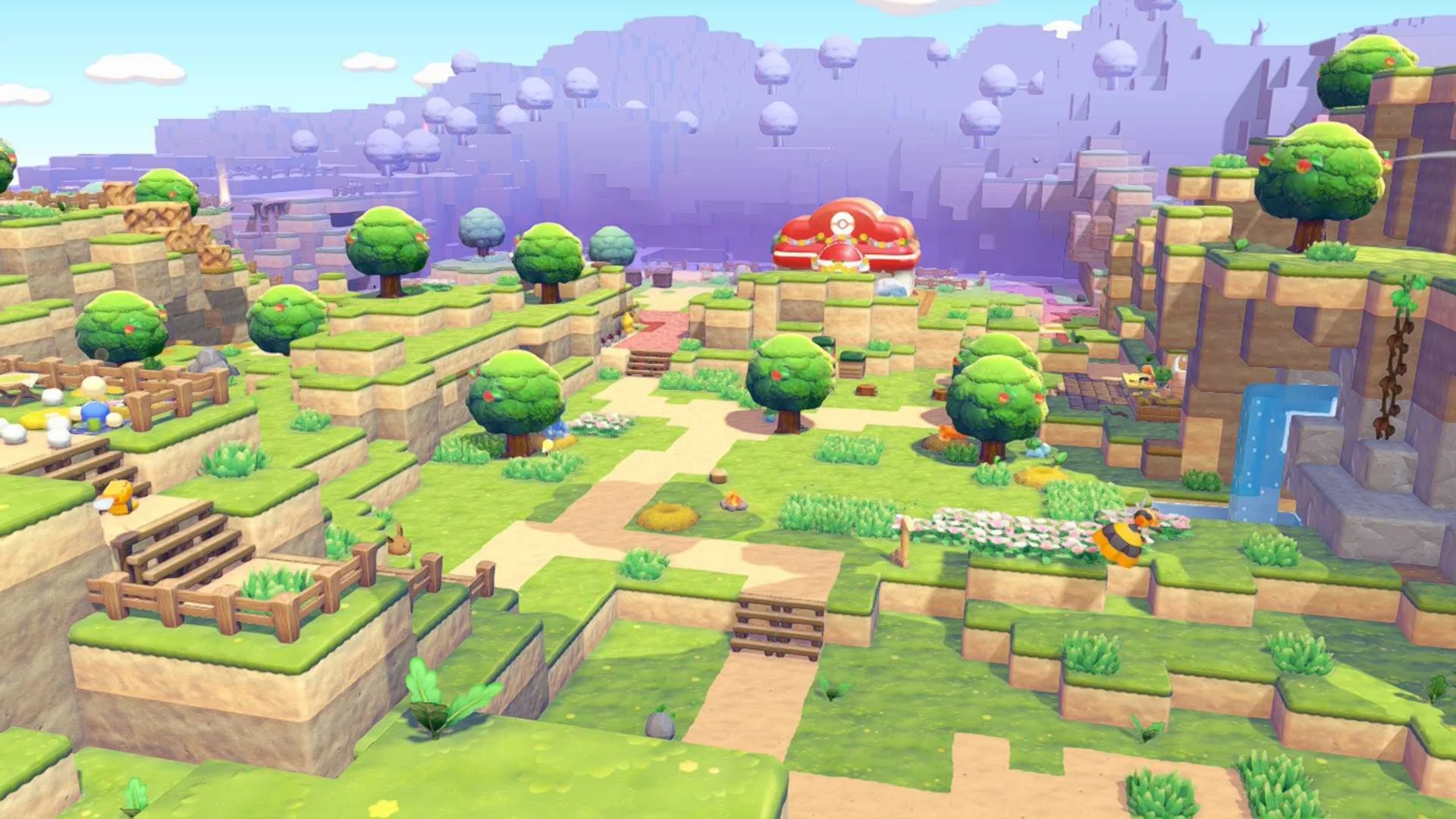
Clear the site in manageable layers
- Prepare meals that strengthen Rock Smash and Rollout, then remove trees and loose furniture from the planned work area. Store anything you intend to reuse.
- Work from the highest part downward. Use Rollout for broad passes and Rock Smash for individual leftovers; starting at the bottom can leave floating blocks that need another platform to reach.
- Hold Y regularly to inhale drops, empty your bag into the nearby box and fill accidental holes with recovered blocks. Check the finished level before beginning the next section.
Keep rows straight with ZL
With standard controls, hold ZL while moving to keep your facing fixed and advance on the grid. With a block selected, ZL and A let you place a continuous row as you move. Use ZL with up or down on the directional buttons to adjust placement height, checking the preview before confirming.
Use mouse mode for isolated corrections
Enable mouse mode in the game settings, detach a Joy-Con 2 and move it on its mouse side on a suitable surface. Point at the exact block: L places and ZL uses Rock Smash with the left Joy-Con; R and ZR do the same with the right. Test on a spare block before editing a finished wall.