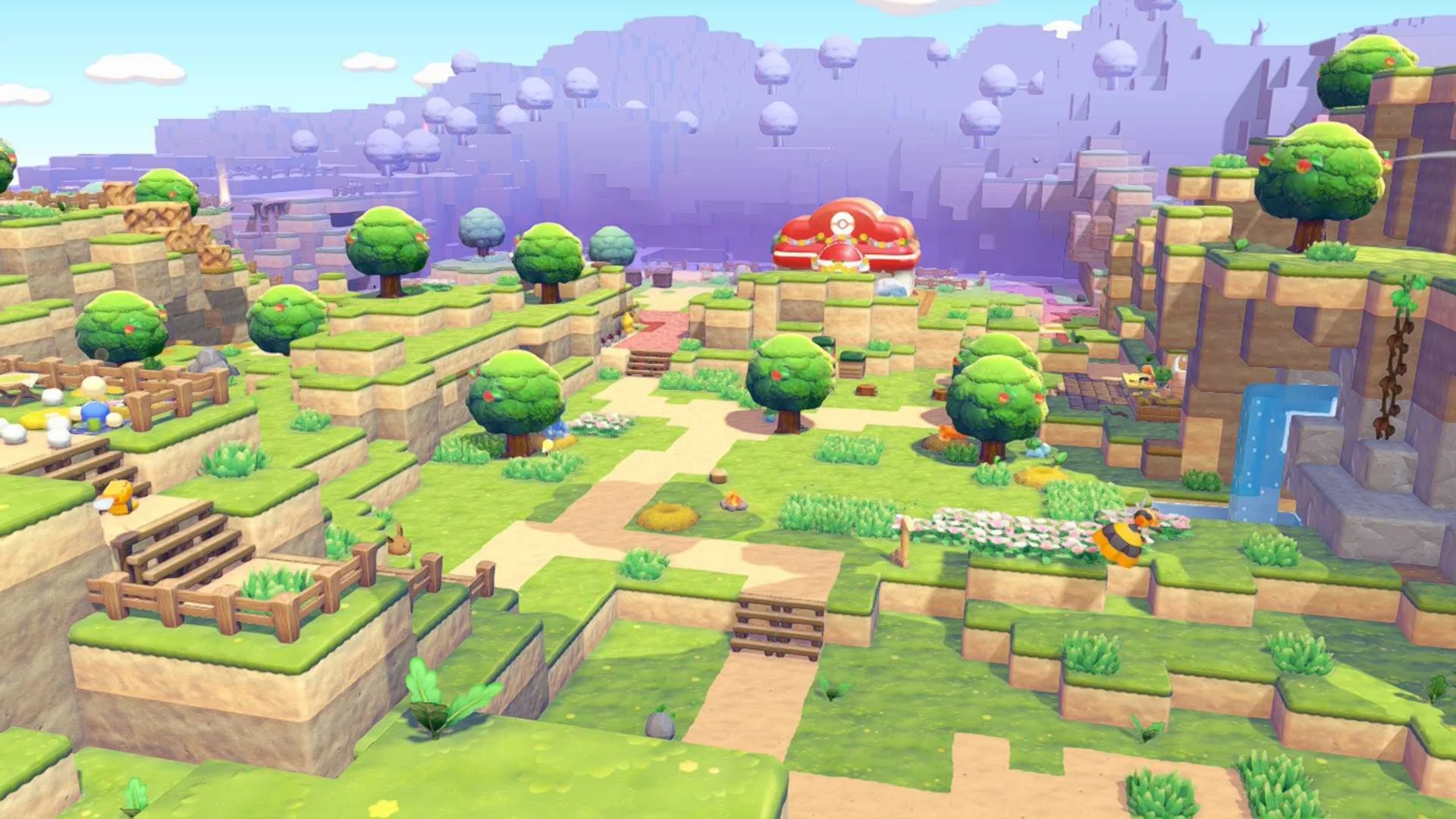
A cannon has two very different uses: launching fireworks and launching a Pokémon with Explode. The latter destroys blocks around its landing point. Use it on a planned excavation area, with homes and furniture you want to keep well away from the test shot.

Set up one controlled shot
- Place the cannon facing the target terrain. Its position and elevation determine the flight path, so start with a small test instead of assuming you can steer a projectile after launch.
- Ask Voltorb or Electrode to follow and bring it close to the cannon. Let the Pokémon enter, then use the cannon interaction to ignite and launch it.
- Inspect the landing, collect the dropped blocks and reposition the cannon for the next section. Wait for the helper to return before trying to load another shot.
Use explosions for bulk removal
The blast clears a patch rather than trimming a perfectly flat surface. Combine it with Rock Smash for remaining blocks and fill unwanted holes from the materials recovered. Moving the cannon between shots is more reliable than repeatedly firing from a position whose landing no longer matches the worksite.
Avoid confusing ammunition and helpers
An ordinary firework is a display, not the same excavation action. Likewise, a Pokémon must actually have Explode to perform this job. If the setup does nothing, check the helper's specialty and whether it has entered the cannon before blaming the terrain or building another launcher.