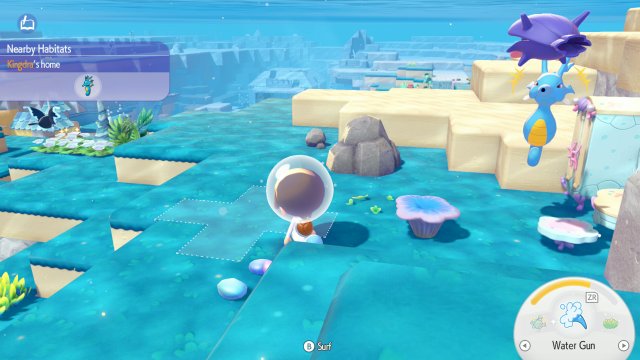
Remodeling replaces a compatible kit house with another house while carrying its interior furniture across. It is useful when you want a larger dwelling without packing every chair. This is a different operation from relocating or demolishing the building.
Prepare the house and replacement kit
- Choose a different compatible construction kit for a house at least as large as the current one. Fixed-shape leaf and stone dwellings support this process; block buildings are expanded manually instead.
- If it is Ditto's home, put away the Ditto flag first. Ask any Pokémon still inside to follow you outside so that occupants do not prevent kit placement.
- Place the replacement kit in front of the house and confirm that the interaction offers remodeling. Supply the requested materials and helpers, then start the work through that prompt.
Use the material requirement shown by the kit
Shared materials from the original construction can reduce what you must supply. Read the displayed remaining requirement rather than buying a second full set automatically. The furniture stays with the remodeled interior, and a larger house may provide room for additional residents depending on its type.
If the kit will not start remodeling
Check for a remaining flag, an occupant inside, a smaller replacement or an incompatible block-house type. A red placement preview is not a reason to demolish immediately. Correct the obstruction or choose a supported kit, then verify the remodel prompt again before committing materials.