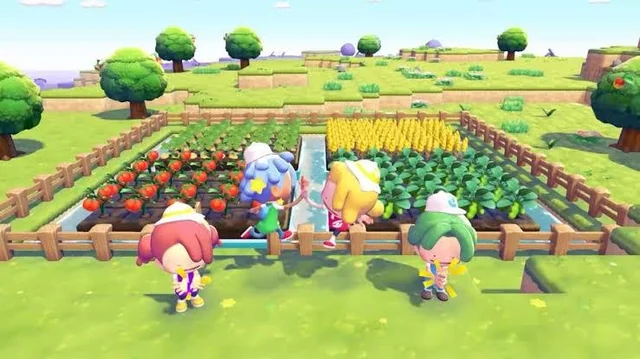
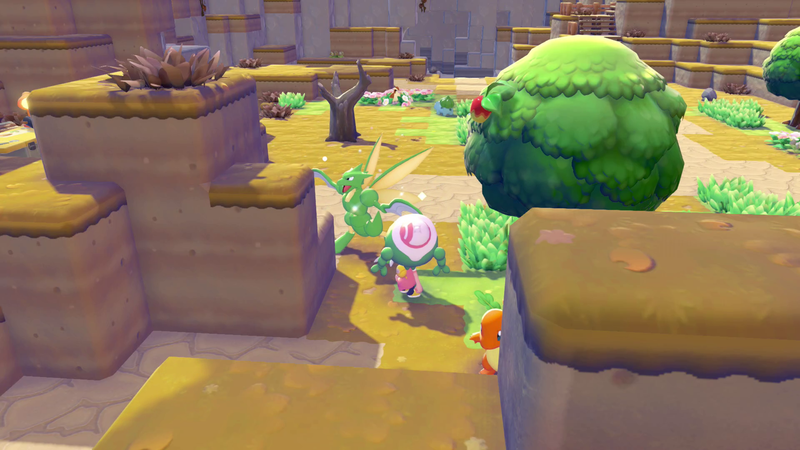
If you want to finish buildings faster, you can use a simple time adjustment on your Nintendo Switch 2. This method updates ongoing construction timers and lets you continue your progress without long waits.
Step by Step: Change Console Time Safely
- Save your game inside Pokemon Pokopia before changing any system setting.
- Open System Settings from the Nintendo Switch 2 home screen.
- Go to Console > Date and Time and disable automatic sync.
- Set the time forward to when your construction should be complete.
- Return to the game and let the map reload so the new time is applied.
Tip: Jumping directly to 5:00 AM forces a day refresh, which helps the world state reload correctly.
In-Game Time Blocks
| Period | Schedule |
|---|---|
| Morning | 6:00 AM to 9:00 AM |
| Day | 9:00 AM to 5:00 PM |
| Sunset | 5:00 PM to 7:00 PM |
| Night | 7:00 PM to 6:00 AM |
What This Trick Is Useful For
- Finishing houses, habitats, and utility builds earlier.
- Checking different spawn windows without waiting in real time.
- Triggering requests that depend on a specific hour cycle.
Are There Penalties?
At the moment, there are no known penalties for changing date and time in Pokemon Pokopia de Switch 2. After the jump, gameplay continues normally and completed constructions remain available.