You can deliberately change the weather using Rain Dance site or Sunny Day site. The setup uses the same reversible decorations, so you do not need a separate collection of charms for each weather.

Prepare the ritual
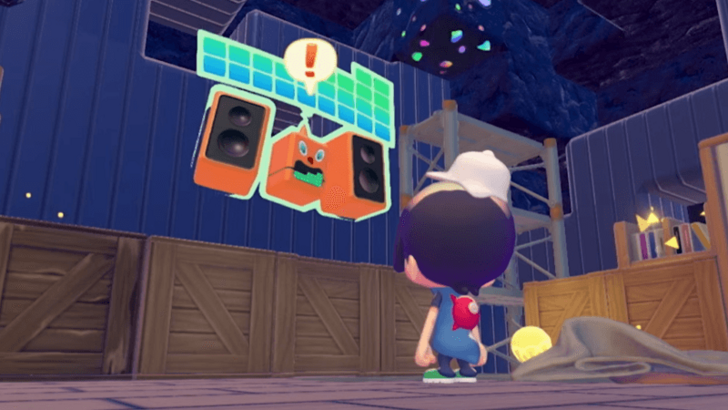
- Obtain two Castform weather charm decorations. The early rain request introduces them, and additional ones can be found near the arrival point on Dream Islands.
- Hang both on a suitable wall and interact with each one to select the rain form or the sunshine form. Both must show the weather you want.
- Place a plate nearby and put food on it. Check that the game recognises the matching ritual habitat.
Bring the right helper
For rain, bring a Pokémon with the watering specialty, such as Squirtle. For sunshine, bring one with the burning specialty, such as Charmander. Lead it to the prepared food and let it perform the ritual. A Pokémon's type alone is not enough: check its actual specialty.
If nothing changes
Inspect both decorations rather than only one. Check that the plate still holds food and that the helper can reach the ritual. A decorative display without the recognised habitat or the matching specialist will not trigger the intended result.
Weather can affect which Pokémon appear and how comfortable some residents feel. Rain also moistens the landscape. However, making ordinary rain does not complete the early Slowpoke story request by itself: that request requires its own humidity improvements and conversations.