Music playback and note mats serve different purposes. CDs provide complete background tracks through a CD player or DJ Rotom. Note mats produce individual notes, letting you build a melody. Start with the kind of result you want instead of collecting every disc before trying either system.
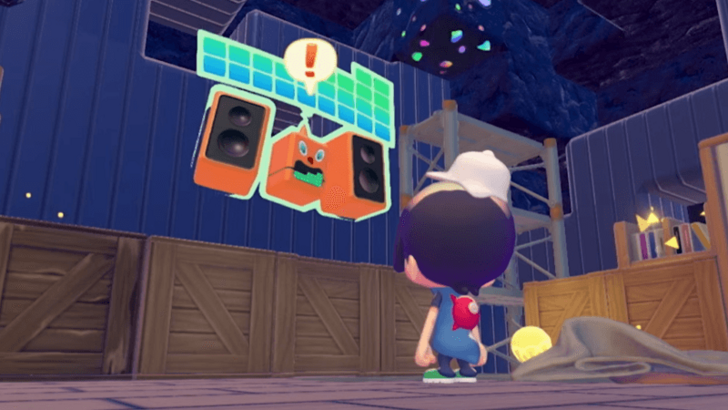
Set up DJ Rotom's music
- Find CDs in glowing dig spots or available CD racks. Give a disc to DJ Rotom and select music playback; if it follows you, the music travels with it.
- At Rocky Ridges Environment Level 4, complete its request involving ten different CDs. The subsequent playlist request asks you to set five CDs. Ten copies of one track do not satisfy the collection requirement.
- Keep up to five discs in the playlist and adjust the selection through DJ Rotom. For a fixed listening spot, place a CD player and choose a disc there instead.
Build a melody from note mats
Collect starter mats from the Rocky Ridges museum or obtain their recipes. Arrange a short line and step across it. Rotate each mat and listen to its pitch before expanding: orientation changes the note's variation or register. Use a repeatable walking pace first, then try a track and handcar arrangement for steadier movement.
Check timing before adding chords
The order and spacing determine when each note sounds. Test a few notes, correct the spacing and only then lengthen the tune. Sensors can trigger adjacent mats together for chords, but unintended motion can add extra notes. Keep your first musical mechanism separate from a busy public path.