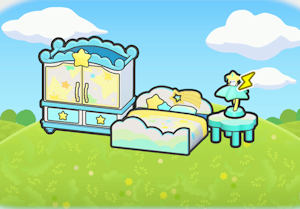
A habitat asking for a high place checks elevation, not whether its platform merely looks tall compared with the ground below. A short pillar in a deep valley may still be too low. Start by locating naturally high terrain before spending materials on a tower.
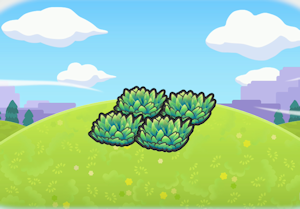
Find the height threshold locally
- Climb a nearby ridge or build upward in small steps. In open air, watch for the wind effect that indicates high ground. Use that level as a reference for your platform.
- Make the top wide enough for every required habitat object. Move the complete arrangement onto that level, keeping the items close enough to form the intended habitat.
- Check the recognized habitat name. If it still registers the ordinary version, raise the arrangement and test again before decorating the entire structure.
Avoid applying one town's block count everywhere
Elevation references differ between regions, and Sparkling Skylands also has separate floating islands. Counts measured from one Pokémon Center are not universal measurements from any patch of ground. The local wind cue and the habitat result are more useful than copying a tower height blindly.
Check the other requirements separately
Correct elevation does not replace the specified grass, flowers, water or furniture. Restore missing components and keep the arrangement together. In caves the wind effect is not visible, so verify the habitat itself; the absence of wind particles alone does not prove the location is too low.