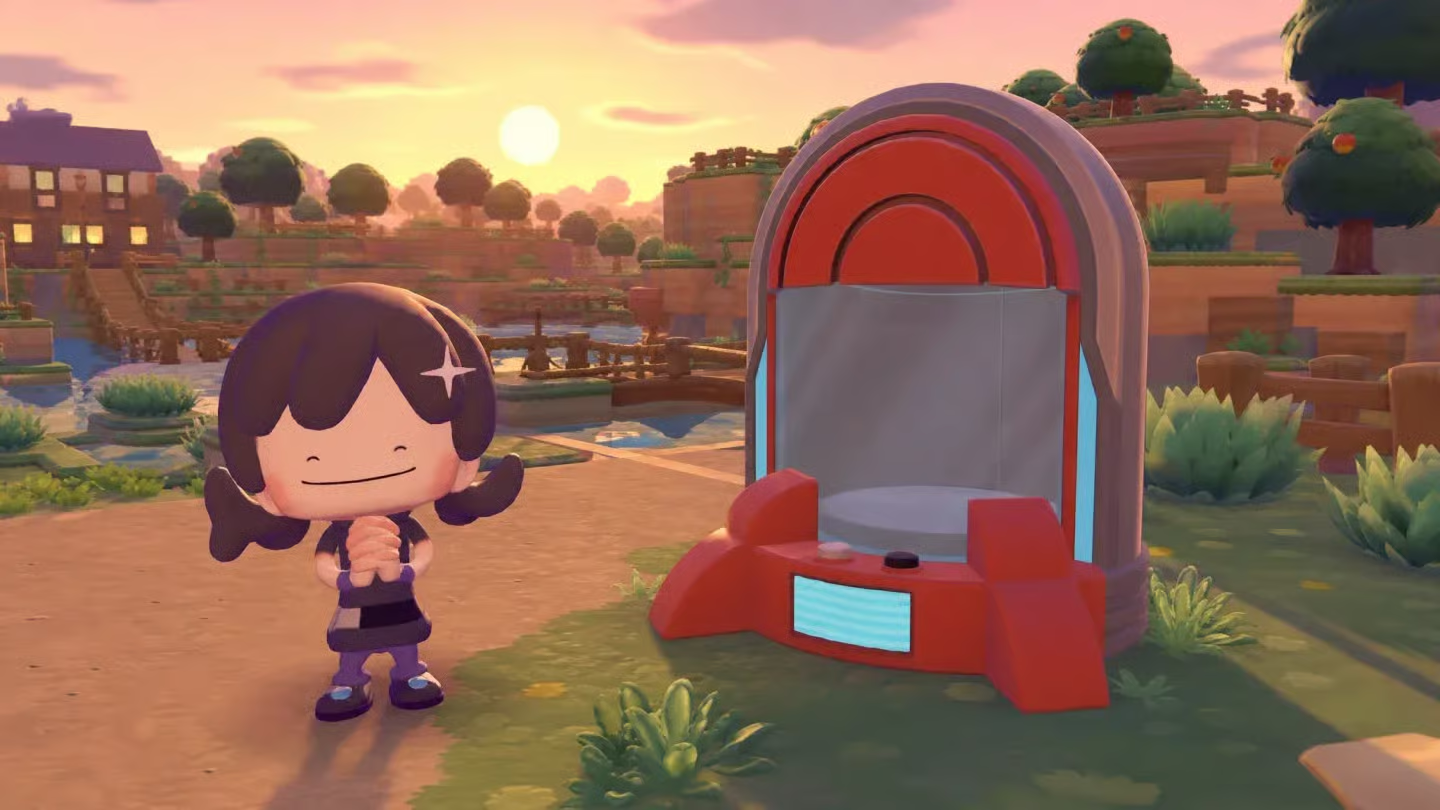
The 3D Printer is one of the most powerful tools in Pokémon Pokopia: take a photo of almost any item and you can print a copy at any rebuilt Pokémon Center, paying only with Pokémetal. It is the easiest way to duplicate rare furniture, Lost Relics, berry trees and even event items you missed. Here is how it works and how to get the most out of it.

How to unlock it
The printer is installed after you complete the Important Request Yawn Up A Storm in Withered Wastelands. From then on it sits at the left-hand stand of every rebuilt Pokémon Center.
How to print an item step by step
- Open the camera and press Y to switch to Reference mode.
- Point at the item. Its name appears on screen, so you can check you are photographing the right object, and take the picture. Your album keeps up to 20 reference photos.
- Go to any Pokémon Center and talk to the printer on the left.
- Choose the reference photo and pay the cost in Pokémetal or Rare Pokémetal. There is no daily limit.
How much printing costs
| Cost | Typical items |
|---|---|
| 1–2 Pokémetal | Basic furniture, building blocks and simple decorations (most of the catalog) |
| 4–10 Pokémetal | Larger or more elaborate furniture, such as the big treasure chest |
| 1 Rare Pokémetal | Berry trees, such as the Leppa tree |
| 2 Rare Pokémetal | Special items, such as event lamps |
| 5 Rare Pokémetal | Large Lost Relics (Gold Teeth, Arcade machine, Pikachu sofa…) and Dream Island dolls |
Building kits cannot be printed. Items from the Expansion Pass, such as the Starmie Doll, can only be printed if you own the pass, even if you photograph them on someone else’s Cloud Island.
What is worth printing
- Berry trees: for a single Rare Pokémetal you get a full tree that keeps producing berries, which means more food for Mosslax, cooking and paint.
- Large Lost Relics for habitats: some habitats need a specific relic (Gold Teeth for Feraligatr, the Arcade machine for the Mini Game Corner…). Printing one is much faster than hoping for a lucky appraisal.
- Event furniture: if you missed an event, photograph its items in a friend’s town or on a Cloud Island and print them yourself.
- Furniture in bulk: when decorating a café or a street of houses, one photo of a chair or lamp is enough to print as many as you need.
Keeping the printer fed
Every area’s shop sells Pokémetal from Environment Level 6 and Rare Pokémetal from level 7. You can also smelt fragments in a furnace with a Burn Pokémon or find ready-made Pokémetal on some Dream Islands.
Tip: visit friends’ towns and official Cloud Islands with the camera in Reference mode. Every interesting item you photograph there becomes something you can print at home.