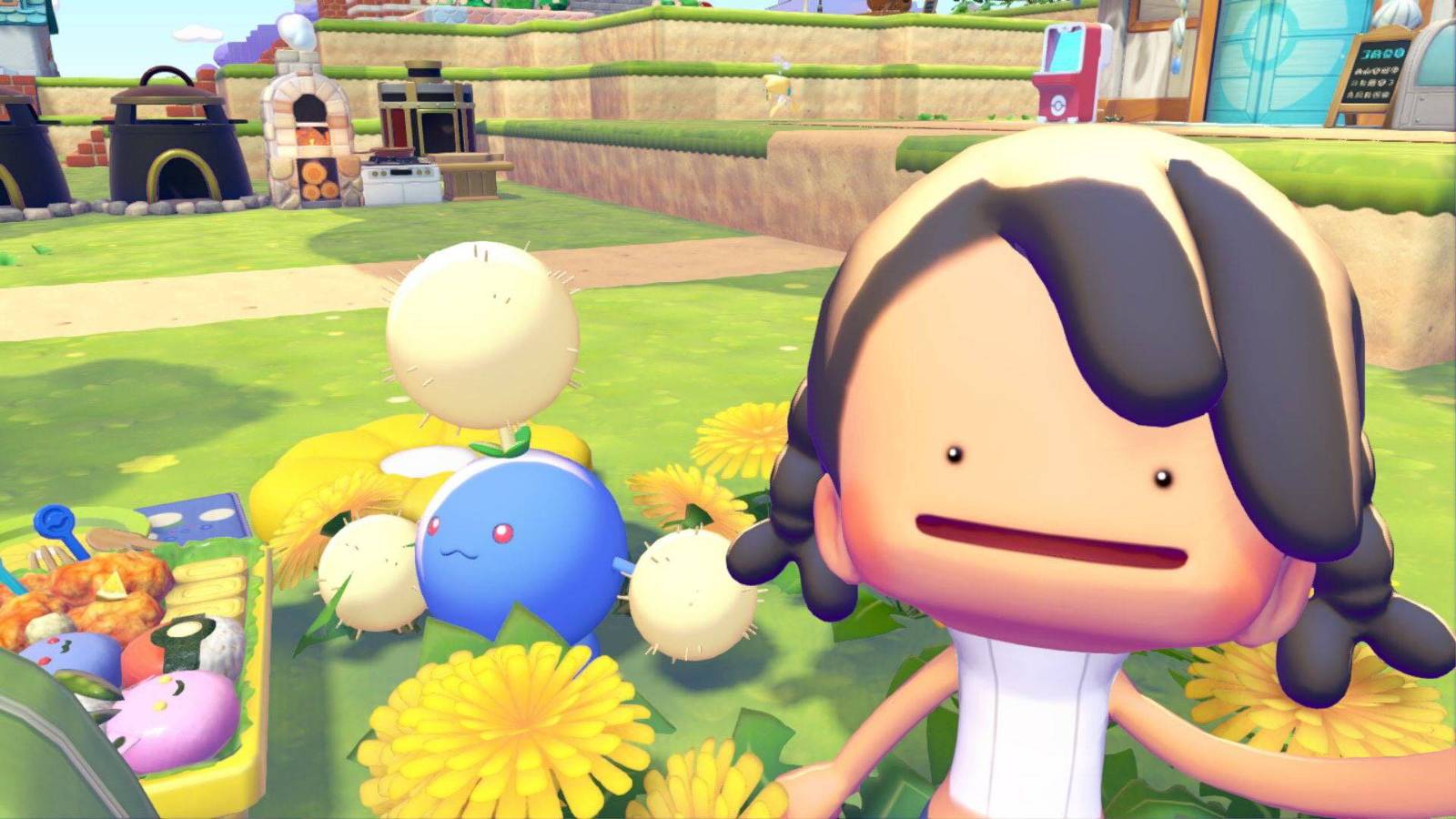
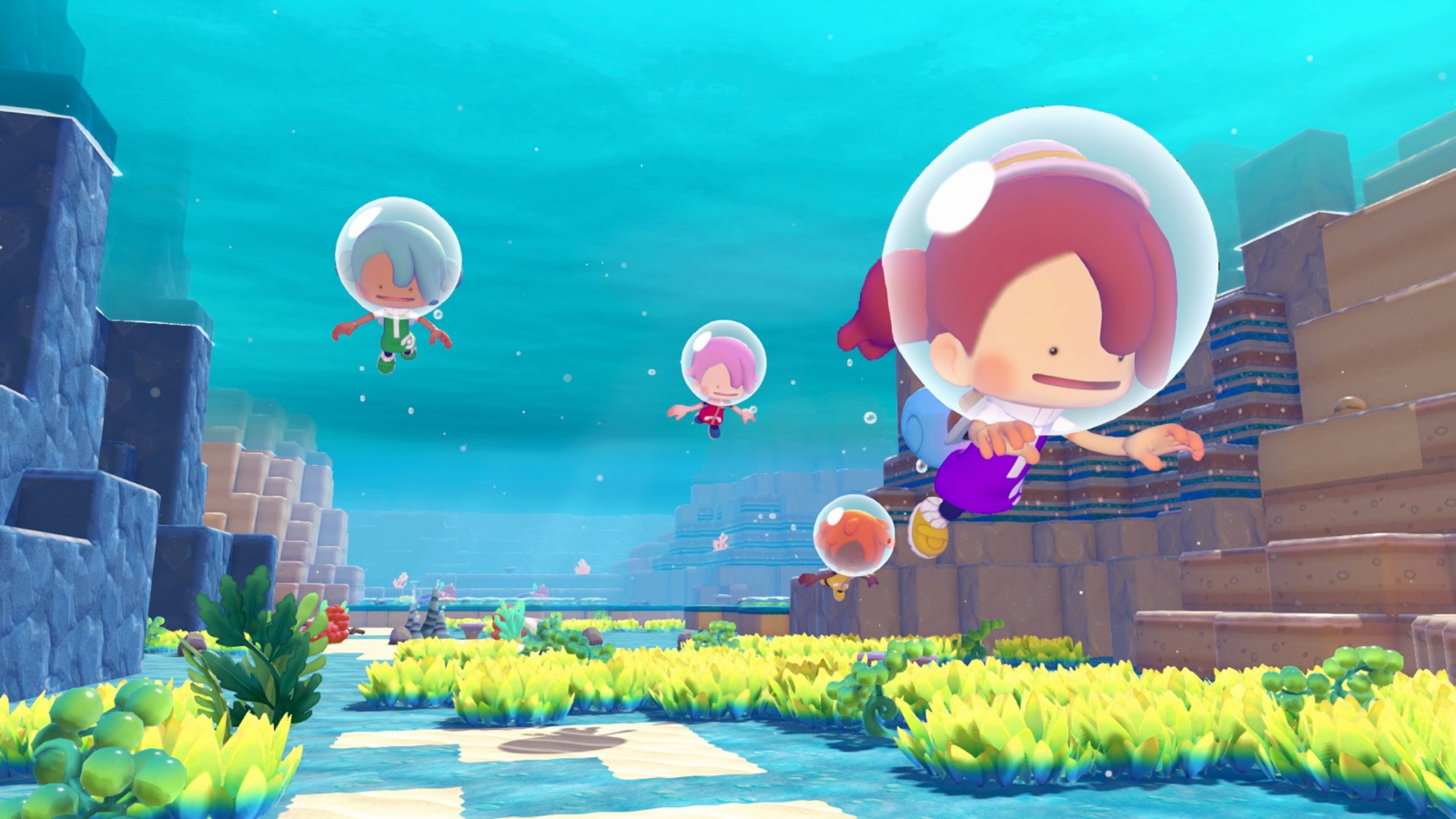
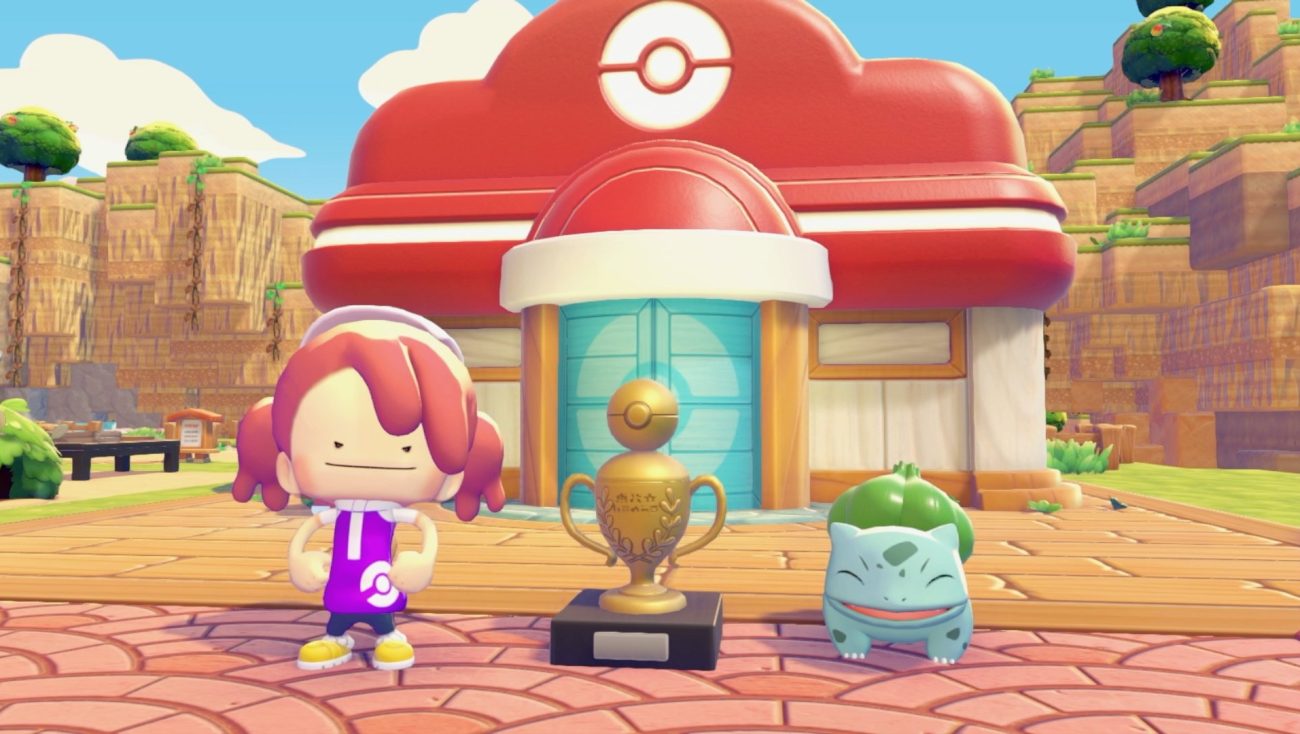
The Pokémon Company is bringing the PokémonXP and 2026 Pokémon World Championships festivities into Pokémon Pokopia for Nintendo Switch 2 with an official Cloud Island. From August 28, 2026 you can travel to the PokémonXP & Worlds Cloud Island and explore a build inspired by the championship venue.
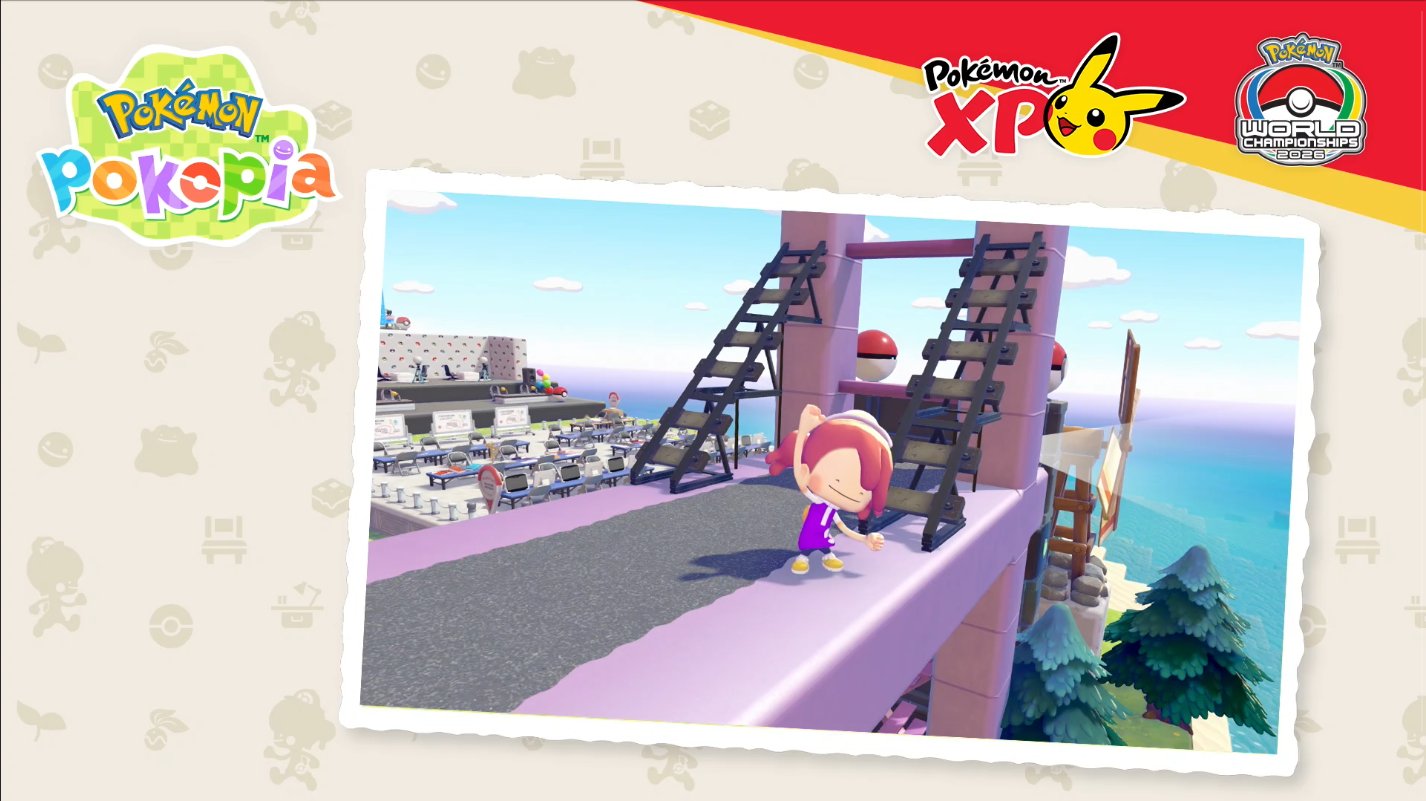
The announcement told players to get their Mysterious Goggles ready, which confirms this is a visit-only island in the same style as the other official codes already available in the game.
What the PokémonXP & Worlds Cloud Island is
It is an official Cloud Island published by The Pokémon Company, like the island of the developers or the one created for the Poké Times account. This one is themed around PokémonXP and the 2026 Pokémon World Championships, so the promotional screenshot shows a competition stage with rows of spectator seating, giant Poké Balls and stands overlooking the sea.
Alongside the reveal, The Pokémon Company also asked players which Pokémon they would like to see invited to live on the island. No new event Pokémon, habitats or exchange items have been announced with it, so the value of the trip is the build itself and the furniture you can photograph while you are there.
Release date and where the code comes from
The island opens on Friday, August 28, 2026. The code is not public yet: it will be revealed during the Pokémon Pokopia presentation at PokémonXP, and that panel is broadcast live, so you do not need to attend the event in person to get it.
Tip: until the broadcast happens, no code for this island exists. Ignore any 8-character code shared before then, because entering a wrong code simply fails to connect.
What you need before August 28
- An active Nintendo Switch Online membership, because Cloud Island visits use online features.
- The Mysterious Goggles, sold for 100 Life Coins in the shop on any Pokémon Center computer.
- Environment Level 3 in Withered Wastelands, which is what unlocks the goggles in the PC shop.
If the Mysterious Goggles are not listed yet, keep completing the zone's challenges until your Environment Level is high enough, and buy them in advance so you can travel the moment the code appears.
How to enter the island code
- Press X to open your Bag, select the Mysterious Goggles and press A.
- Confirm that you want to use them, and type the code when the game asks for it. Official codes are eight characters split into two blocks, such as
PXQC G03Sfor the developers' island. - Choose "Yes" to confirm the trip and wait for the online connection.
What you can do once you arrive
Official Cloud Islands are read-only: you can walk around and inspect everything, but you cannot pick up objects or bring Pokémon back home. The way to keep something is to record it with the Camera and rebuild it later.
- Press the minus button to equip the Camera, then press Y to switch to the mode that identifies individual objects.
- Photograph the championship decorations you want. The Camera holds up to 20 different object photos at a time, so clear out old ones before you travel.
- Return to a Pokémon Center in your own world and use the Printer to recreate them in exchange for Pokémetal and, for some objects, Rare Pokémetal.
This is the same routine used to copy decorations from the developers' island, so if you already know that method the PokémonXP & Worlds island simply adds a new set of tournament-themed furniture to your collection.