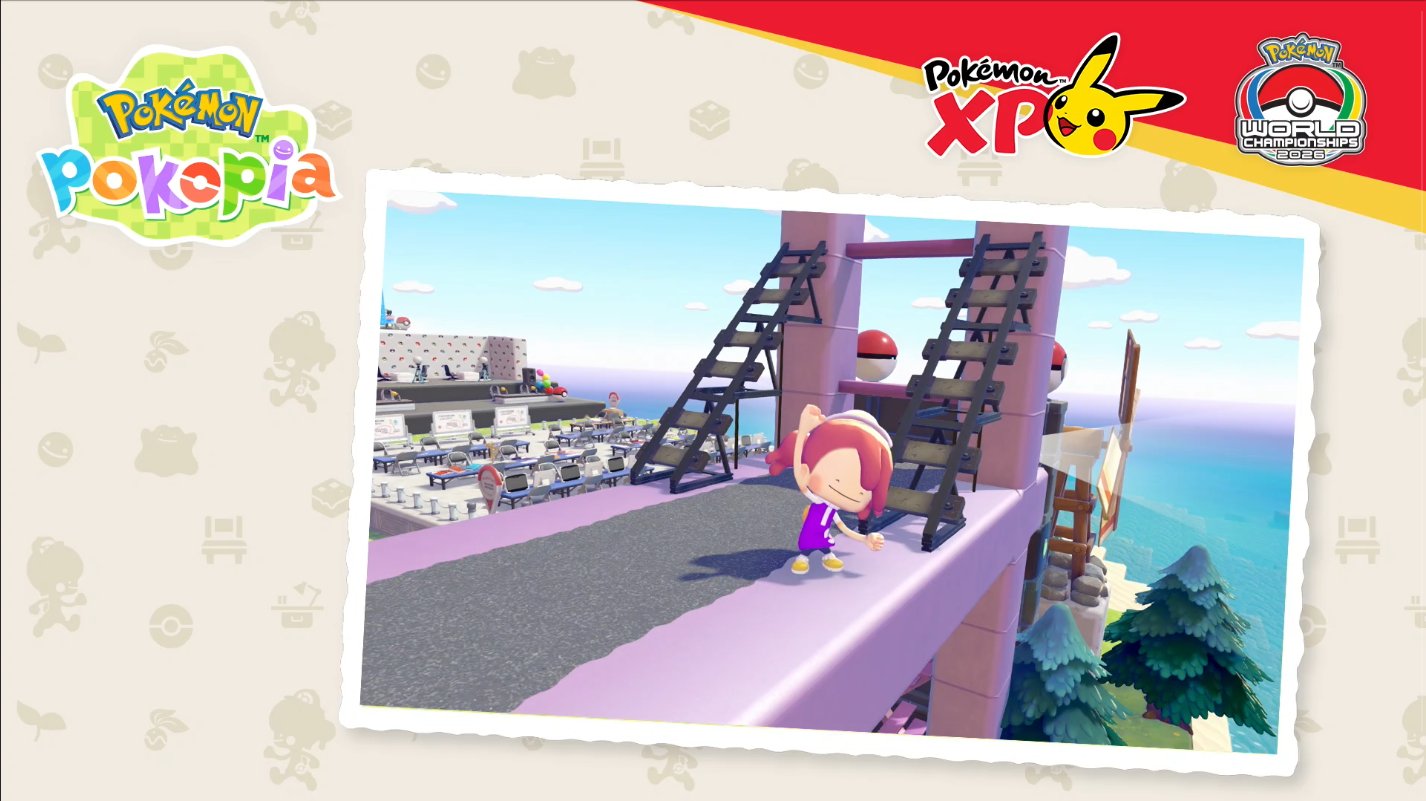
Cloud Island is one of the most talked-about features in Pokémon Pokopia. It works as a personal sandbox where you can build, decorate, invite friends, and shape the space however you like. The development team has set up their own Cloud Island as a showcase—and you can visit it.
This guide walks you through the requirements and steps to reach the developer's island and see what they've built.
What You Need First
Before you can visit the developer's Cloud Island, you must:
- Reach Environment Level 3 in Withered Wasteland by completing the zone's challenges.
- Have 100 Life Coins to buy the required item.
Step-by-Step Instructions
- Unlock Withered Wasteland. Keep finishing challenges until your Environment Level in Withered Wasteland reaches Level 3.
- Buy the Mysterious Goggles. Open the PC Shop menu and purchase the Mysterious Goggles for 100 Life Coins. These goggles let you peek into someone's Cloud Island.
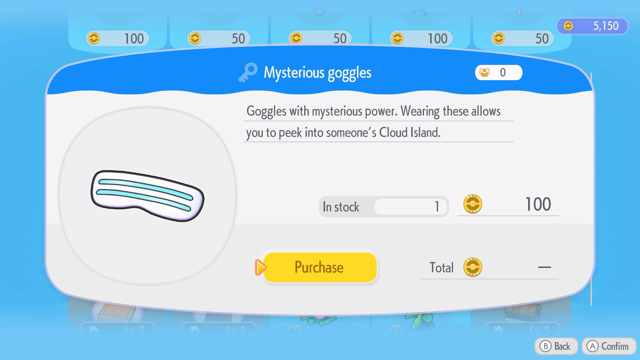
- Use the Mysterious Goggles. Press X to open your Bag, select the Mysterious Goggles, press A, and confirm that you want to use them.
- Enter the island code. When the game asks you for a code, type:
PXQC G03S. Confirm with "Yes" when prompted to head to the destination.
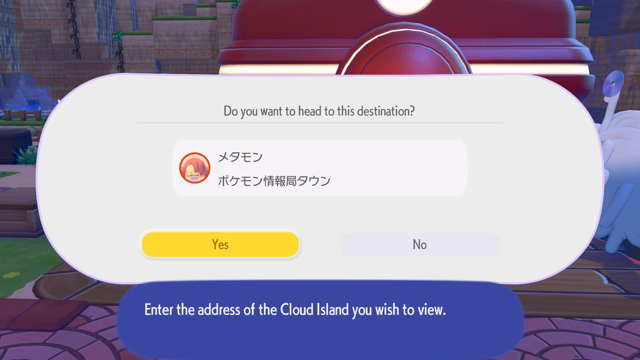
After that, you'll be taken to the developer's Cloud Island. You can walk around, look at their builds, and use it as inspiration for your own island.
Important Notes
Remember: You cannot take items from the developer's Cloud Island back to your base. Anything you pick up there stays in that virtual space. Treat it as a visit-only showcase.