Tips
Pokopia Syrupy Apple tree: how to grow, move and copy it
Grow a Syrupy Apple tree from seeds, bring one home with Magnet Rise or print it for 2 Rare Pokémetal: growth times, harvests and what happens after December 1.
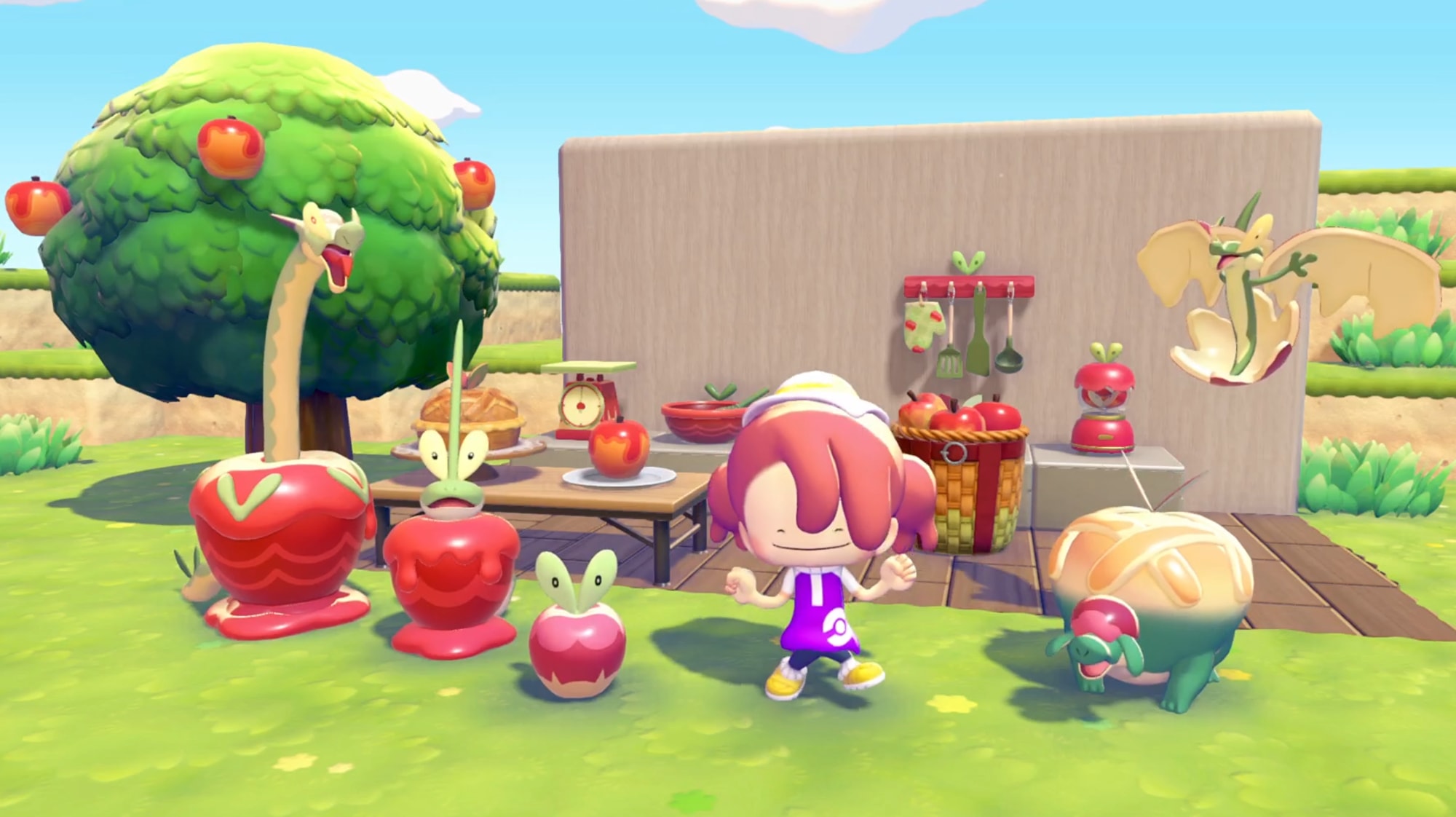
The Syrupy Apple tree is the one piece of Apples to Applin you can't buy outright. You either grow it from the event's seeds (5 Syrupy Apples for 5 seeds) or, if you've finished the main story and have Magnet Rise, carry a mature one home from a Dream Island. Only this tree counts for the Abundant apples habitat, the home of Dipplin and Hydrapple, so it's worth setting up before anything else. The event ends on December 1 at 04:59, console time.
The three growth stages
The game tracks the tree in three steps, and only the last one works for the habitat:
| Stage | What it does |
|---|---|
| Sapling | Appears after you plant a seed |
| Small tree | A young tree with no fruit yet |
| Mature tree | Produces Syrupy Apples and grows new ones after each harvest |
If you cut a mature tree down, it leaves a stump, and the stump doesn't count for Abundant apples. Keep your tools away from any tree you plan to use.
How to grow one from seeds
- Trade 5 Syrupy Apples for the pack of 5 seeds at the Pokémon Center exchange.
- Prepare the soil with Rototiller and plant a seed in the spot where you want the habitat.
- Water it every day until it bears fruit.
How long does it take? Guides don't agree. One fan guide reports three to four days of daily watering, another says about two hours of real time, and our event guide says to allow a few in-game days. Plan for several days and plant all five seeds at once: four spare trees cost you nothing extra and protect you if one spot turns out awkward.
Can a Pokémon speed it up? Pokémon with the Grow specialty make plants grow faster. Applin, Flapple, Appletun and Dipplin all have it, and so do common Pokémon such as Bulbasaur. No source has measured the effect on this tree, but bringing a Grow helper past your saplings each day can't hurt.
The shortcut: Magnet Rise
If you've unlocked Magnet Rise after the credits, you don't need seeds at all. Visit a Dream Island, lift one of the mature Syrupy Apple trees and bring it back to town. It arrives fully grown, so you can place the Harvest basket next to it the same day and save the 5 apples the seeds cost. Not there yet? Our post-game guide explains how to get it.
Harvesting: how many apples per tree
You harvest by bumping the trunk until the fruit drops. Fan guides report about 2 Syrupy Apples per tree, and the fruit grows back after a while; nobody has published an exact timer. A home tree is useful for topping up, but Dream Islands remain the main source: players report 40 to 60 apples per island, as our late-start plan explains.
Copying the tree with the 3D Printer
A mature Syrupy Apple tree can be printed. Photograph it in Reference mode and print a copy for 2 Rare Pokémetal. It's the quickest way to build a second Abundant apples habitat, which doubles your chances with the rare visitors. The 3D Printer guide covers where to get Rare Pokémetal.
Where to plant it
- Next to the Harvest basket. The habitat is just the tree and the basket, so plant with the basket's spot in mind.
- In a bright, open place. The whole Applin family prefers bright surroundings. It doesn't change who visits, but it helps their comfort once they live there.
- Away from other habitats. Give it a little space so the habitat isn't mixed up with the items of a neighboring one. If the name doesn't appear when you inspect it, see our habitat troubleshooting guide.
What happens to the tree after December 1
Nintendo confirms that Pokémon you befriend during the event stay in your town. It hasn't said anything about the trees. One fan guide says they stay on your island and keep growing apples; that isn't official. Either way, apples are only worth something while the exchange is open, so spend them before the event closes.
One more thing: some guides suggest moving the console clock forward to speed up growth. Nintendo says the event won't run if the system date is outside the event period, so jumping past December 1 can lock you out of the exchange. If you want to skip time, stay well inside the event dates.
Sources
Official announcements and reporting we checked for this article.
- Nintendo: Join the Apples to Applin event in Pokémon Pokopia
- Serebii: Syrupy Apple tree in Pokémon Pokopia
- Nintendo Life: Pokémon Pokopia Apples to Applin event guide
- GamesHorizon: Apples to Applin event guide
- PokopiaMap: Apples to Applin
- TheGamer: How to build all Apples to Applin event habitats in Pokémon Pokopia